
Updated on 2026-01-20 / Download ReiBoot
Tenorshare ReiBoot is often the first tool iPhone users try when their device gets stuck on the Apple logo, recovery mode, or a boot loop. However, many users quickly realize that the free version is limited and advanced repairs require a paid upgrade.
Because of this, people actively search for safer, more flexible ReiBoot Alternatives that better match their needs and budget. This article highlights the best free and paid options for iPhone users in 2026, focusing on reliability, data safety, and real-world usability.
Part 1: What Is Tenorshare ReiBoot and What Does It Do?
Tenorshare ReiBoot is an iOS system repair tool designed to help users fix common iPhone problems like being stuck in recovery mode, boot loops, or the Apple logo screen.
Users often look for ReiBoot alternatives when facing common iOS system issues such as:
- iPhone stuck on the Apple logo and unable to finish booting
- Getting trapped in a Recovery Mode loop after restart
- Endless boot loop following an iOS update or restore
- Frozen or completely unresponsive touchscreen
- Black screen or white screen while the device is powered on
- iPhone randomly restarting without user input
- iOS update stuck , failed, or unable to verify
- iPhone not turning on after a system crash or failed update
The tool allows users to enter or exit recovery mode with one click and offers advanced repair modes for deeper system issues. While it is easy to use, most real repair features require a paid upgrade, which leads many users to look for a Tenorshare ReiBoot alternative.
Part 2: Best ReiBoot Alternatives for iPhone/iPad (Tested & Reliable)
When your iPhone gets stuck in recovery mode, won’t boot correctly, or suffers system errors, the built‑in options often fall short. Tenorshare ReiBoot has long been a go‑to tool, but many users now search for ReiBoot Alternatives.
#1. UltFone iOS System Repair (Best Overall ReiBoot Alternative)
UltFone iOS System Repair stands out among Tenorshare ReiBoot alternative tools because it focuses on fixing deep system issues without unnecessary data loss.
UltFone iOS System Repair is designed to handle more than just recovery mode loops. It targets 150+ different iOS issues, including boot loops, update failures, unresponsive screens, and devices stuck on the Apple logo. The interface is friendly enough for everyday users, yet powerful enough for complex system failures.
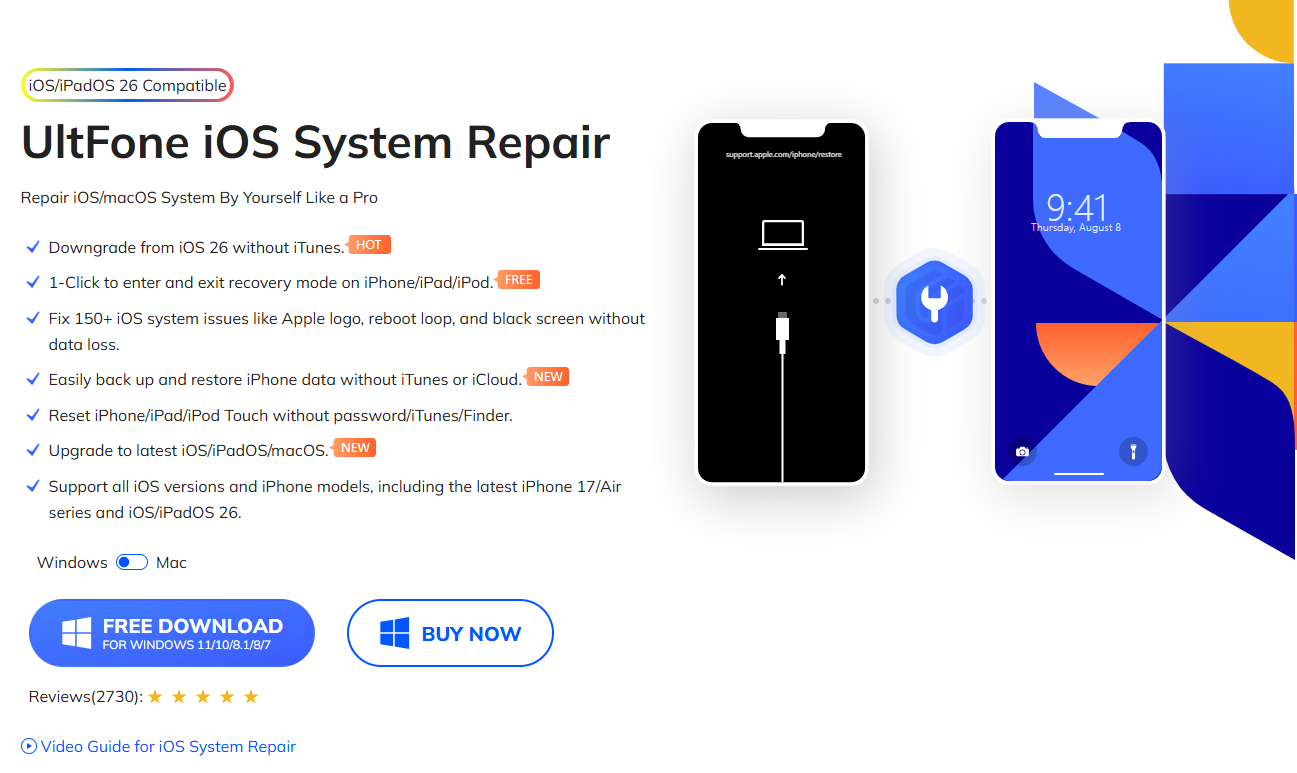
Key Features
- Standard Repair mode with no data loss
- Advanced Repair for more severe iOS system issues
- One-click entry and exit from Recovery Mode
- Compatible with most iPhone models and iOS versions
- Available for both Windows and macOS
- Clear, step-by-step on-screen instructions
Pros
- High success rate when fixing complex iOS system problems
- Preserves user data during standard repair mode
- User-friendly interface, suitable for beginners
- Frequently updated to support the latest iOS releases
Cons
- Advanced repair features require a paid license
- Not completely free, though pricing is competitive compared to similar tools
Best Use Case
UltFone is ideal for users who want a reliable ReiBoot alternative that goes beyond basic recovery mode functions. Unlike simpler tools, it can perform deeper system repairs while still offering a data-safe standard repair option, making it a strong choice for both beginners and advanced users.
#2. 3uTools (Best Free ReiBoot Alternative for Windows)
If you are looking for a free alternative to ReiBoot, especially on Windows, 3uTools deserves serious attention. 3uTools has built a reputation as a comprehensive tool for iPhone management and troubleshooting.
Although it doesn’t label itself as a system repair tool in the same way ReiBoot or UltFone do, it includes powerful functions like entering/exiting recovery mode, flashing firmware, and fixing minor iOS issues all for free.
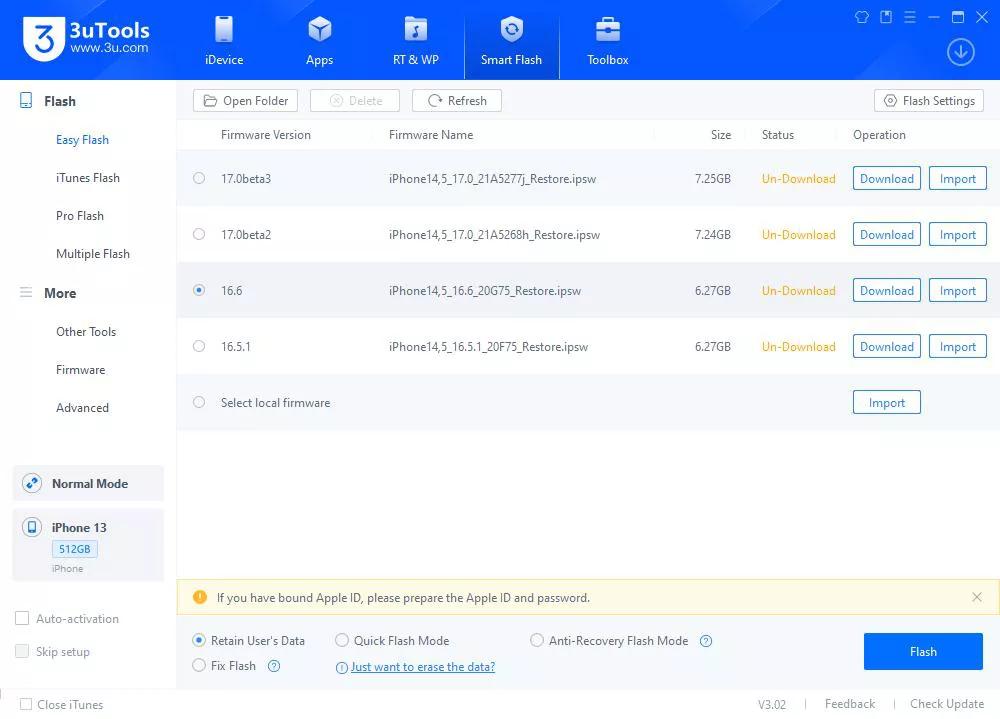
Key Features
- One-click entry and exit from Recovery Mode
- Flash official iOS firmware files
- Built-in backup and restore functions
- Optional jailbreak support
- Detailed device information and file management tools
- Completely free to use
Pros
- 100% free with no hidden costs or paid upgrades
- Offers a wide range of iPhone management features
- Works reliably on most Windows systems
- Supports both older and newer iPhone models
Cons
- Interface may feel overwhelming for first-time users
- Advanced features require careful operation
- Not designed for deep or automatic iOS system repair
Best Use Case
3uTools is best suited for Windows users looking for a completely free ReiBoot alternative. If your main needs are entering or exiting Recovery Mode, flashing iOS firmware, or managing iPhone files without paying for software, it is one of the most practical ReiBoot-like tools available for Windows.
#3. Apple iTunes (Official but Limited)
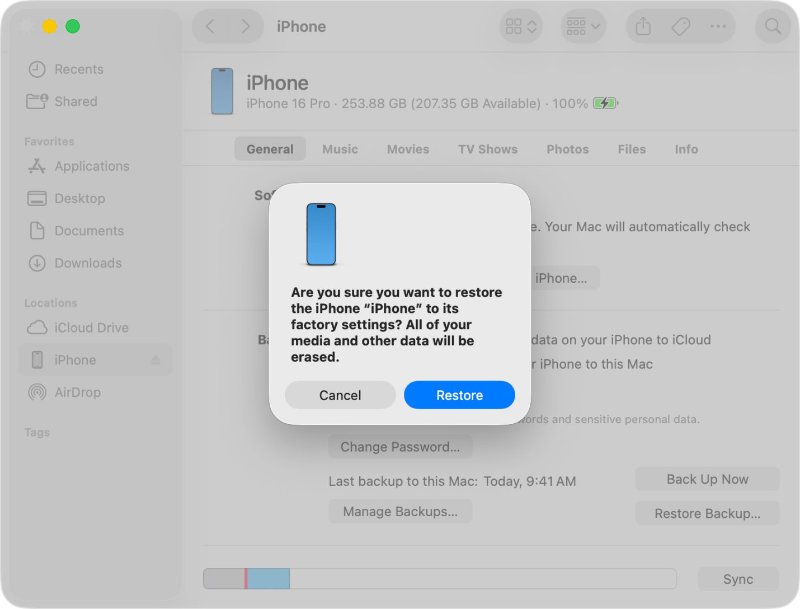
Apple iTunes can act as a basic ReiBoot alternative for iPhone, mainly for restoring and updating iOS devices. While it lacks specialized repair features, it remains an essential tool for users who prefer official solutions.
iTunes provides a secure and official method for restoring iPhones stuck in recovery mode or with failed updates.
Key Features
- Completely reinstalls iOS when the device fails to boot
- Updates iPhones safely to the latest iOS version
- Automatically detects devices in Recovery Mode or DFU Mode
- Official Apple tool, minimizing the risk of software corruption
Pros
- Free to use and officially supported by Apple
- Reliable for fixing failed updates and major system errors
- Available on both Windows and macOS
- Prevents installation of incorrect or unofficial firmware
Cons
- High chance of data loss if no backup is available
- Cannot repair deeper iOS system issues beyond reinstallation
- Not suitable for repeated recovery loops or persistent system problems
Best Use Case
This option is best for users who want an official ReiBoot alternative and already use iTunes for regular backups. It works well for clean restores and update failures, but is less effective for advanced, data-safe system repairs.
#4. RecBoot (Lightweight Option)
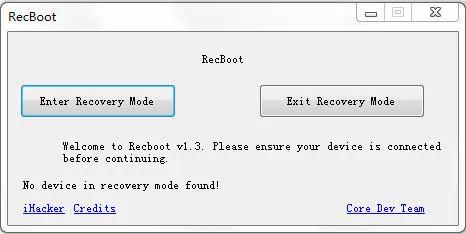
RecBoot is a small and fast tool primarily focused on recovery mode entry and exit. It is ideal for users seeking a lightweight free ReiBoot alternative for simple issues without advanced repair requirements.
While it cannot repair deep system errors, it excels at its primary purpose: helping iPhones exit recovery mode safely.
Key Features
- Preserves iOS signature files for firmware downgrade
- Helps rescue devices stuck in recovery or boot loops
- Allows custom firmware restore and installation
- Particularly useful for older and legacy iPhone models
Pros
- Provides advanced technical solutions not found in beginner tools
- Free to use and reliable for legacy iOS devices
- Gives experienced users greater control over firmware and recovery processes
Cons
- Not beginner-friendly and requires technical knowledge
- Limited effectiveness for newer iOS system issues
- Outdated interface with a steeper learning curve
Best Use Case
This tool is best suited for advanced iPhone users, developers, or hobbyists who need fine-grained control over firmware, downgrades, and recovery options. It is a niche ReiBoot alternative designed more for technical experimentation than simple one-click repairs.
5. TinyUmbrella (Advanced Users Only)
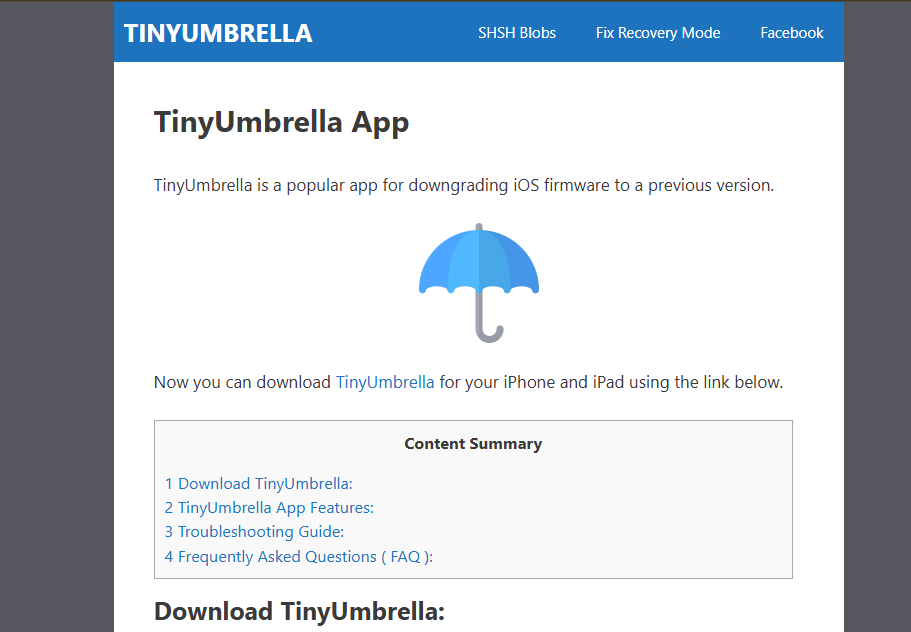
TinyUmbrella is a technical tool aimed at advanced iOS users. Originally developed to save SHSH blobs, it also allows devices to exit recovery mode, making it a niche ReiBoot alternative.
It enables SHSH blob saving for potential downgrades and provides granular control over firmware installation, which is not possible with simple tools like RecBoot.
Key Features
- Preserve iOS signature files for firmware downgrade
- Rescue devices trapped in recovery loops
- Customize firmware restore and installation
- Especially useful for legacy iPhone models
Pros
- Offers technical solutions unavailable in beginner tools
- Free to use and reliable for legacy devices
- Allows firmware management and system tinkering for advanced users
Cons
- Not beginner-friendly and requires technical knowledge
- Limited repair functions for newer iOS issues
- Outdated interface with lower usability
Best Use Case
Best for advanced iPhone users, developers, or hobbyists needing control over firmware and recovery options.
#6. Redsn0w (Legacy Tool)
Redsn0w is a legacy tool for iPhone troubleshooting, primarily used for jailbreaking older devices. Despite its age, it remains a functional ReiBoot alternative for iPhone, particularly for legacy devices that cannot use newer repair software. While modern iPhones require newer tools like UltFone or 3uTools, Redsn0w remains useful for enthusiasts maintaining older devices.
Key Features
- Easy access to Device Firmware Update (DFU) mode
- Helps exit recovery loops on older iPhone models
- Compatible with iPhones running legacy iOS versions
Pros
- Free and lightweight tool for older devices
- Maintains compatibility with legacy iPhone models
- Well-known and trusted within the iOS repair community
Cons
- Not updated to support modern iOS versions
- Very limited repair capabilities beyond DFU or Recovery Mode
- Not suitable for casual users or newer iPhone models
Best Use Case
This tool is only recommended for older iPhones or specific legacy firmware situations where modern ReiBoot alternatives are no longer compatible. It serves a narrow purpose rather than a general iOS system repair solution.
FAQ About ReiBoot Alternatives
Q1: Is there a free version of ReiBoot?
Yes, Tenorshare ReiBoot offers a free version that lets you enter recovery mode. However, advanced features like deep system repair require the paid version. For completely free alternatives, tools like 3uTools and RecBoot are recommended.
Q2: Is AnyFix better than ReiBoot?
No, AnyFix has similar functionalities, but ReiBoot works best for most users. While AnyFix offers advanced repair modes, ReiBoot remains more reliable and user-friendly for iOS system repairs.
Q3: Does ReiBoot require jailbreaking?
No, ReiBoot does not require jailbreaking. It safely repairs iOS system issues, fixes recovery mode loops, and updates or restores iPhones without altering the device’s security settings.
Final Words:
When searching for ReiBoot alternatives, tools like UltFone, 3uTools, and RecBoot can help with minor iOS issues. Yet, Tenorshare ReiBoot remains the most reliable and effective choice. It fixes most iPhone system problems quickly, safely, and without data loss. Whether you are a beginner or advanced user, ReiBoot provides a simple, hassle-free, and professional solution for all iOS repair needs.
