Tenorshare ReiBoot
Download Here

Download ReiBoot to fix 150+ iOS/iPadOS/tvOS/macOS system issues on your iDevice
Version: V9.6.13 / Size: 1.84MB / Update: 2026/07/08
Download:
- 6
- 3
- 2
Check Signing Status, follow the checklist before downgrade, and learn the safest way back to iOS 26.
Compatibility
- Developer : Tenorshare
- iOS Support : iOS 9 – iOS 27
- Supported Devices : iPhone · iPad · iPod Touch · Apple TV
- OS : Windows XP–11 · macOS 10.11–27
- User rating :
Download for Any Device
The Easiest Recovery Mode Tool for iPhone & iPad
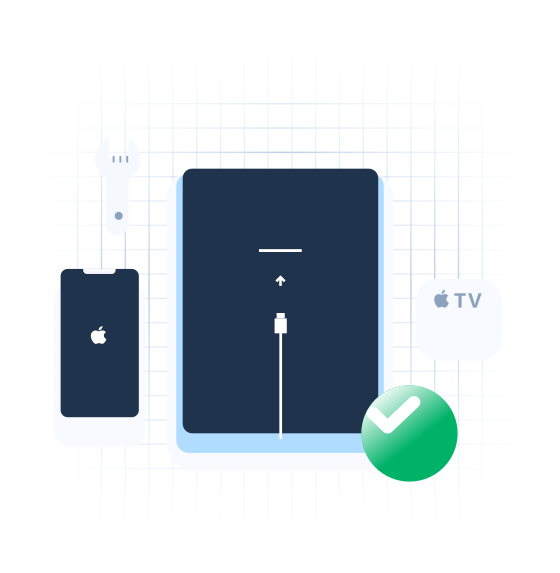
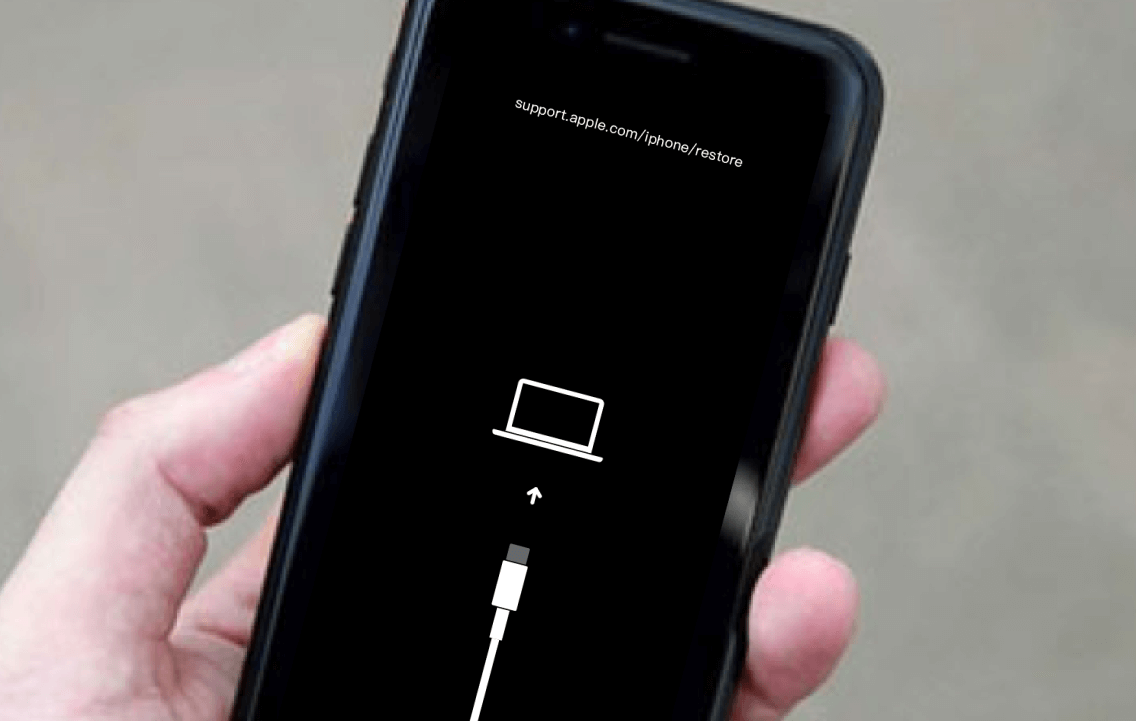
Whether your iPhone is stuck on the Recovery Mode screen or you need to enter Recovery Mode manually, ReiBoot handles both in seconds. No iTunes. No complicated steps.
Repair Your iOS Device with ReiBoot
Download ReiBoot to fix over 150 iOS system issues, resolve various iTunes errors, reset your iPhone, iPad, or iPod safely without iTunes or Finder,
and upgrade or downgrade iOS versions with ease. Repair iOS with ReiBoot right now!
Repair the iOS System
Downgrade iOS (Beta)
Repair iTunes Errors

Reset iPhone/iPad/iPod Touch
ReiBoot Download for iPhone / iPad / iPod / Mac / Apple TV




FAQs about Tenorshare ReiBoot
ReiBoot handles the most frustrating iPhone and iPad problems without iTunes or technical knowledge.
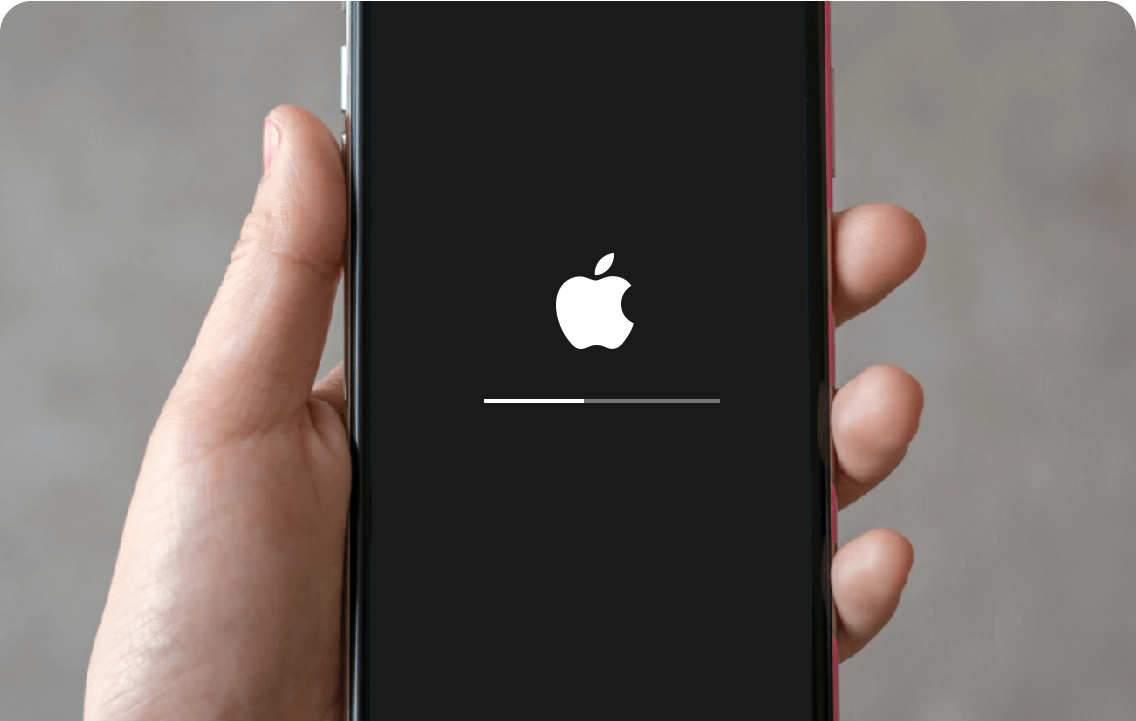
It fixes 150+ system issues — stuck on Apple logo, boot loop, black screen — without wiping your data. Running iOS 27? It can safely downgrade you back to iOS 26, no jailbreak needed. Need Recovery Mode? One click, free of charge.
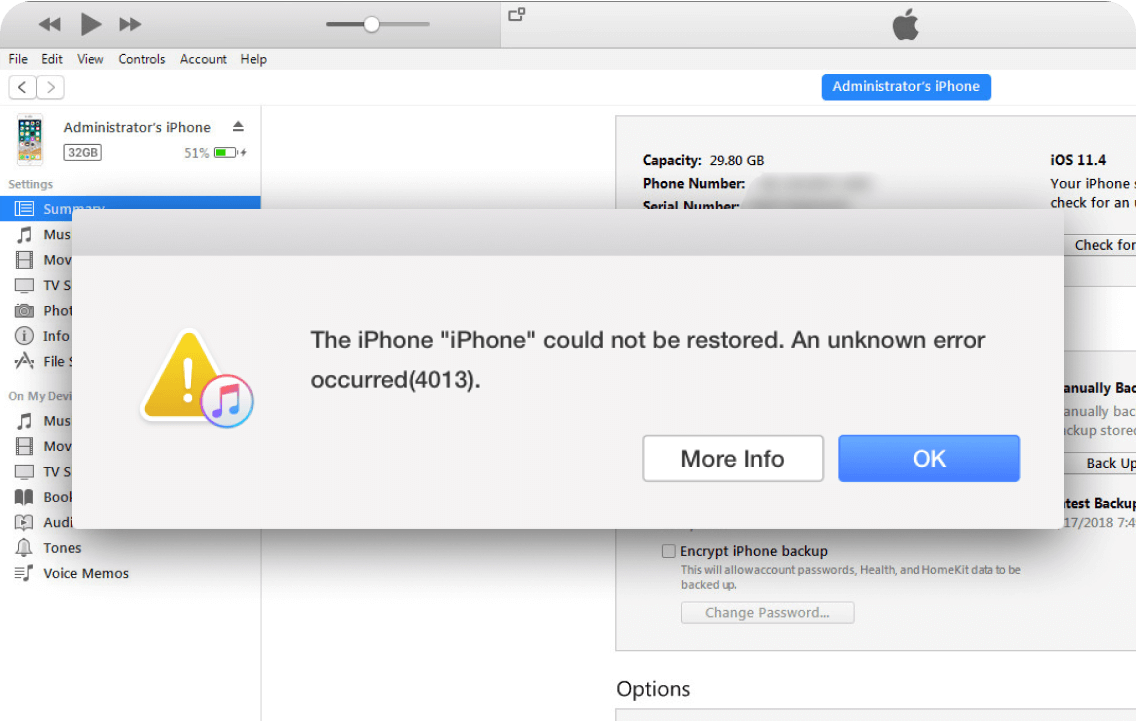
It also covers factory reset without a passcode, permanent data erase before reselling, and instant fixes for iTunes errors like 4013 and 1110.
Yes. ReiBoot is developed by Tenorshare, a software company established in 2007 with a long track record in iOS and Android tools.
The software is available exclusively through official channels at reiboot.com and tenorshare.com. Standard Repair mode fixes system issues without erasing your data, and the software does not access or transmit your personal information.
ReiBoot is free to download. The free version lets you enter Recovery Mode on iPhone and iPad at no cost, with no time limit. Advanced features — including iOS System Repair, iOS upgrade/downgrade, and data reset — require a Pro license.
Tenorshare ReiBoot provides the free version and the pro version. You can download ReiBoot to enter Recovery Mode for totally free. The Win pro version is $24.95/Month, $49.95/Year and $79.95/Lifetime, and the Mac pro version is $39.95/Month, $59.95/Year and $89.95/Lifetime.
Yes. ReiBoot supports all iPhone models from iPhone 5 to iPhone 17, and all iPad models including iPad Mini, iPad Air, and iPad Pro. It can fix 150+ system issues — including stuck on Apple logo, black screen, boot loop, and Recovery Mode — without data loss in most cases.
It depends on the repair mode you choose. Standard Repair fixes most iOS issues without erasing any data — your apps, photos, and settings remain intact. Advanced Repair performs a deeper fix but will erase all data, so a backup is recommended before using that option.
Yes. ReiBoot fully supports iOS 27 and iPhone Duo/iPhone 18. It can fix common iOS 27 problems including boot loop, black screen, overheating, lag, and DFU mode issues. As new iOS 27 bugs are reported, ReiBoot updates regularly to keep up with the latest issues.