
Updated on 2026-07-21 / iPhone Tips
WWDC 2026 has brought the first iOS 27 Developer along with a barrage of stunning new wallpapers. If you want the best of them in 4K/HD, this guide shares several official and community-made options you can download for free. You'll also learn how to set up an iOS 27 wallpaper and what to do if it doesn't display correctly.
Part 1. What's Special About the iOS 27 Wallpaper?
iOS 27 is Apple's first major refinement of the Liquid Glass era. Here's what makes the wallpaper experience genuinely different this time around:
Liquid Glass 2.0 Improvements
The iOS 27 wallpaper experience builds on iOS 26's "Liquid Glass" design. Animations are smoother, and Apple has reportedly improved the translucency effects based on user feedback from iOS 26.
iOS 27 may also add a system-wide "Liquid Glass" intensity slider, allowing users to adjust how strong the glass effect appears. This also changes how "Depth Effect" wallpapers interact with "Lock Screen" elements like the clock and notifications.
Enhanced Depth Effect
The "Depth Effect" feature, first introduced in iOS 16, lets wallpaper subjects appear in front of the "Lock Screen" clock. In iOS 27, it reportedly works together with the "Liquid Glass" clock introduced in iOS 26, creating a layered 3D look where the wallpaper subject, clock, and notifications appear on separate visual levels.
AI-Generated Wallpapers
iOS 27 integrates "Image Playground" directly into the Wallpaper settings. Users may be able to create custom wallpapers on-device without leaving Settings > Wallpaper, making 3D and abstract AI-generated wallpapers easier to create.
WWDC 2026 Teaser Wallpaper
Apple recently released the official WWDC 2026 wallpaper. It features a dark background with a glowing Apple logo inspired by the event slogans "All Systems Glow" and "Glow All Out." Available for iPhone, iPad, and Mac, it is the first official iOS 27 wallpaper released, and suggests a brighter, glow-focused visual style for iOS 27.
Part 2. \Free Download\ Official iOS 27 Wallpaper
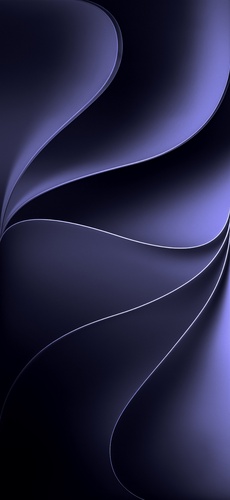
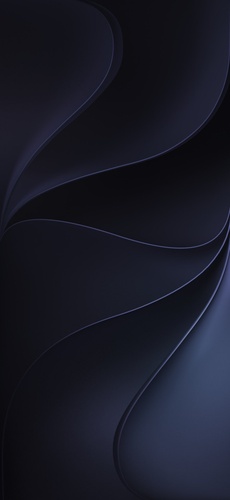
The best place to grab official iOS 27 wallpaper 4K assets for free is Apple's own Developer portal. Apple made device-specific versions of the WWDC 2026 "Glow" wallpaper available at developer.apple.com, optimized for iPhone, iPad, and Mac screen resolutions. Once the iOS 27 Developer drops on June 8, new wallpapers bundled with the OS will also surface here and across Apple-focused sites within hours.


Part 3. iOS 27 Dynamic and Live Wallpapers
Static wallpapers only show part of what iOS 27 can do. For a more dynamic Lock Screen, an iOS 27 wallpaper in live style is a great option. It uses a short looping video or motion photo to add movement to the background.
In iOS 27, live wallpapers do especially well with the "Liquid Glass" clock. They create a smooth, layered effect as notifications and screen elements animate over the wallpaper. Here's where you can find the best iOS 27 dynamic and live wallpapers:
Wallcraft (App Store)
It's one of the most frequently updated iPhone wallpaper apps, featuring a dedicated live wallpaper section. Wallcraft offers daily updates, regularly adds wallpapers for new iOS releases, includes designs compatible with the iOS Depth Effect feature, and has a free tier.
WallpX -- iPhone Wallpapers 4K (App Store)
The WallpX app provides spatial wallpapers (3D-depth live wallpapers) and day & night themes that change automatically based on the time of day.
r/DepthEffectWallpapers (Reddit)
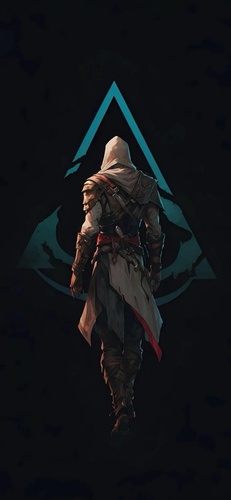
The r/DepthEffectWallpapers is a popular Reddit community to download iOS 27 wallpaper in Depth Effect style, with daily uploads from creators around the world. Many posts include both still and live wallpaper versions. Sorting by "Hot" or "New" helps you find the latest trends after major iOS releases.
r/iWallpaper (Reddit)
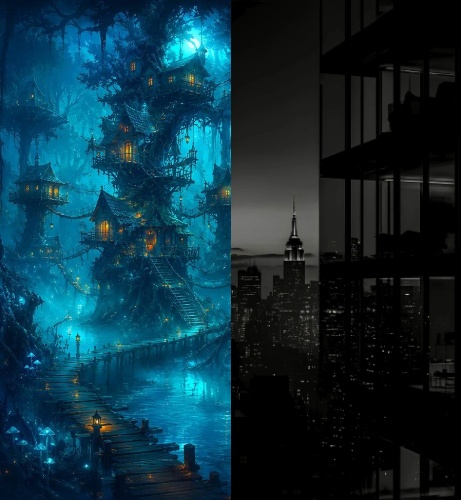
r/iWallpaper is a larger Reddit community with consistently high-quality content. Use the "Live" or "iOS" search filters to find live wallpapers, including new and experimental options shared after each iOS release.
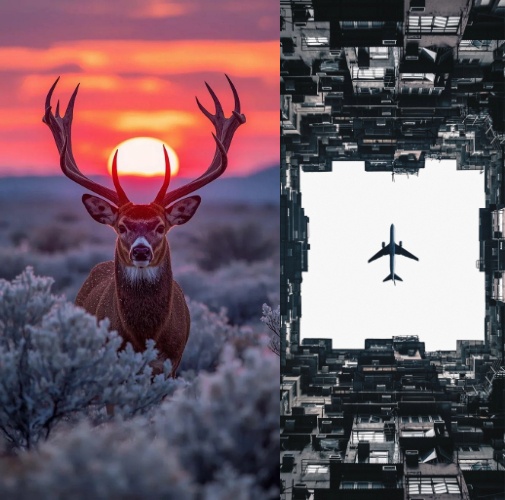
Wallpapers Central
Wallpapers Central is a well-known wallpaper app and website that provides high-quality iPhone wallpapers, including live, depth, and dynamic-style designs. It often updates collections around new iOS versions and events, making it a dependable source for early iOS-style wallpapers.
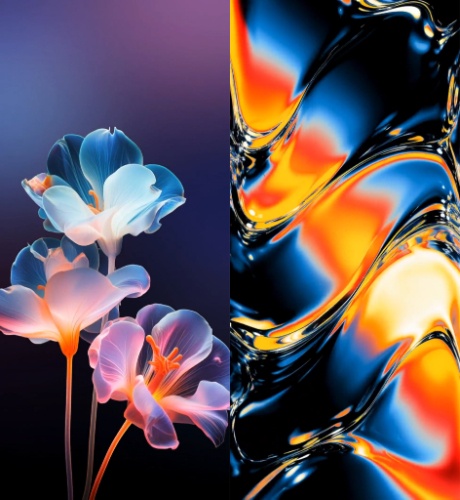
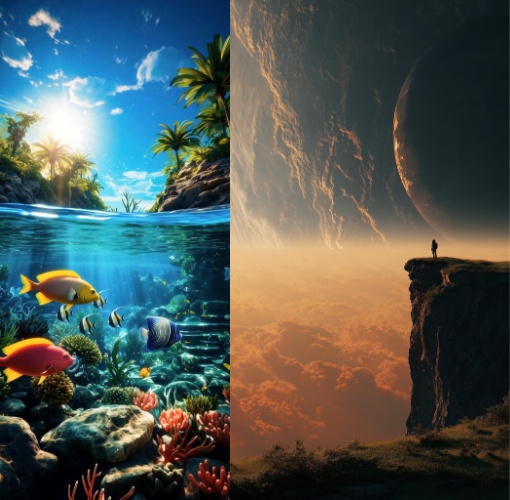
iDownloadBlog
iDownloadBlog is a community-driven blog site that frequently shares new wallpapers, including official Apple releases and iOS-themed collections.

iClarified
iClarified is a website offering Apple news, along with downloadable wallpapers, often covering new iOS releases and design updates.
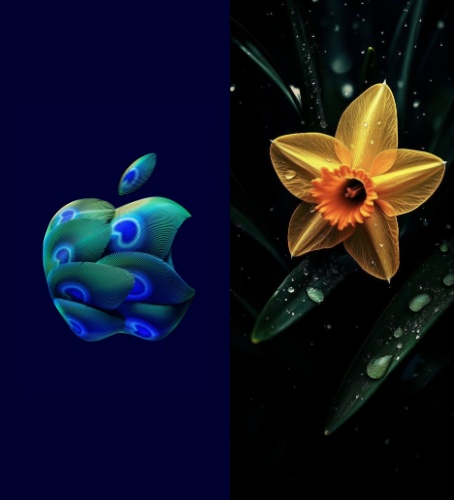
For more iOS 27 4k Wallpapers, also read: iOS 27 Wallpaper 4K: Download & Create 3D Spatial Wallpapers Safely
Part 4. Best iOS 27 Wallpaper Styles to Try
Here are the latest trending and unique iOS 27 wallpaper styles you can try out in 2026:
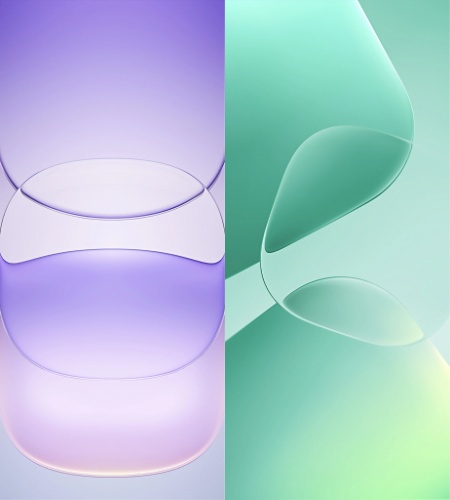
Liquid Glass Abstract (Signature Style)
An iOS 27 wallpaper in liquid glass style features translucent glass textures and layered color gradients that blend naturally with the iOS 27 "Liquid Glass" interface. Popular designs include glass spheres, fluid crystal effects, and refracted light patterns. Recommended sources include iDownloadBlog community wallpaper packs, @bakir5567 on X, and r/iWallpaper.
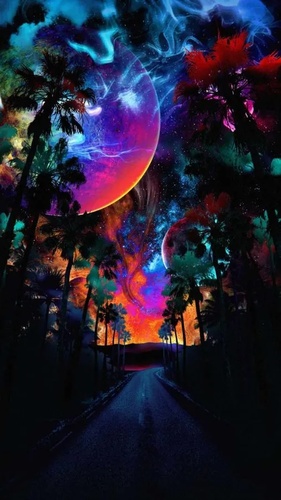
Dark Glow / Neon Luminance
Inspired by Apple's WWDC 2026 wallpaper, this style uses dark backgrounds with glowing subjects. It pairs well with "Liquid Glass" transparency and includes neon cityscapes, glowing particles, and bioluminescent nature photos. Good sources are Wallcraft's Neon category and Unsplash's curated collections.
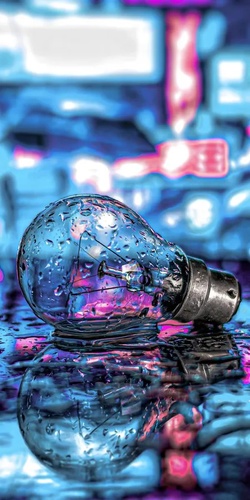
3D Spatial Depth
Designed for the iOS "Depth Effect" feature, an iOS 27 wallpaper in 3D uses clear foreground subjects that appear in front of the "Lock Screen" clock. Portrait photos, macro shots, and 3D renders work especially well. Wallpapers Central is a good source of 3D wallpapers for iPhones.

Minimalist Gradient
Simple single-color or smooth gradient backgrounds help the "Liquid Glass" interface stand out. Apple used this approach in iOS 26 with built-in wallpapers such as Dusk, Halo, and Shadow. Popular sources include Apple's official wallpaper collections, iDownloadBlog, and Unsplash's Gradient category.
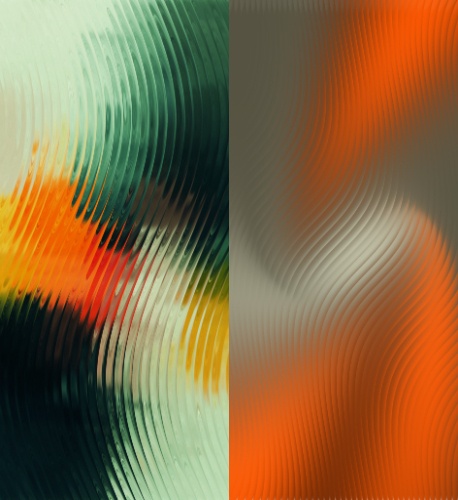
AI-Generated Wallpapers (New in iOS 27)
With "Image Playground" integrated directly into the wallpaper picker, users can create custom wallpapers on-device. It supports abstract, painterly, and photorealistic styles tailored to personal color preferences, making it one of the most unique and personalized iOS 27 wallpaper options.
Part 5. How to Set iOS 27 Wallpaper on Your iPhone
-
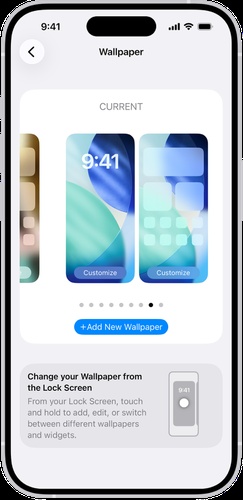
Step 1: Open "Settings" on your iPhone. Then, tap "Wallpaper." Click "Add New Wallpaper."
-
Step 2: Choose "Photos" for a downloaded wallpaper, or pick from Apple's built-in wallpaper categories (including new iOS 27 wallpapers after installing the).
-
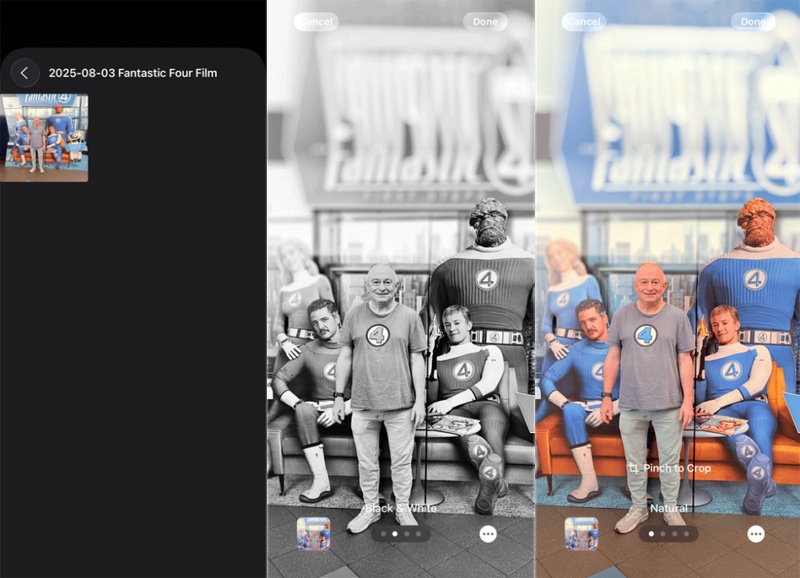
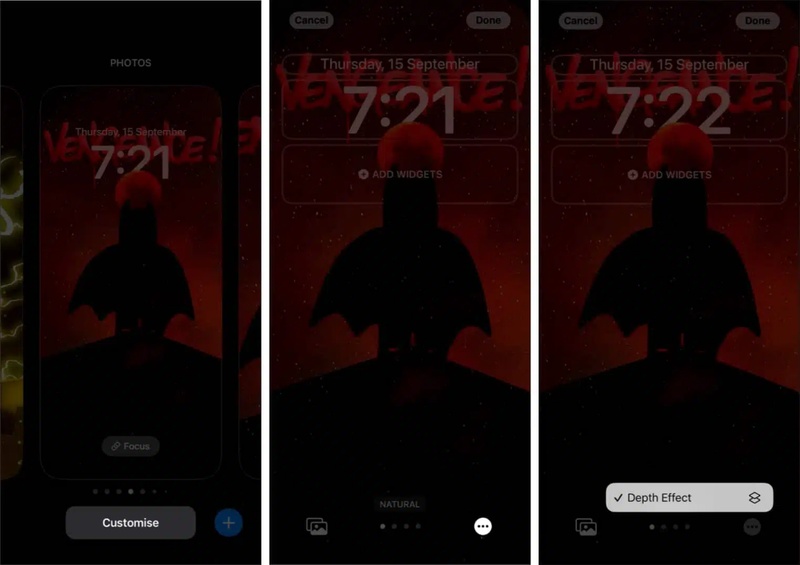
Step 3: Select your downloaded iOS 27 wallpaper HD/4K image. Turn on "Depth Effect" if your wallpaper has a detected subject. A toggle will appear for a 3D layered look.
-
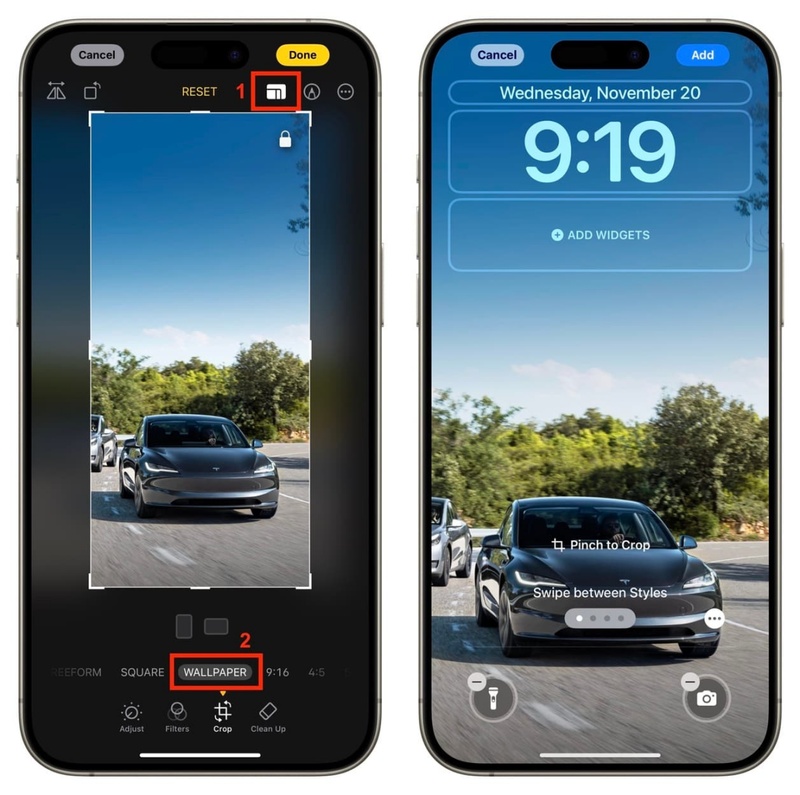
Step 4: Adjust placement using pinch-to-zoom or by dragging the image. Tap "Add." Then, choose "Lock Screen," "Home Screen," or both.
Note: For "Live Wallpapers," follow the same steps but choose a "Live Photo" or supported video. A "Play" icon will show on the "Lock Screen" when it's active.
Part 6. iOS 27 Wallpaper Not Showing? How to Fix It
iOS 27 wallpaper may sometimes show a blank screen, switch back to the default wallpaper, freeze on the Lock Screen, or not apply at all. These issues are usually caused by system glitches, not user settings. Basic fixes like restarting the iPhone or turning the wallpaper off and on again may help.
But more serious problems need a dedicated iOS Repair tool, like Tenorshare ReiBoot. It can fix 150+ system issues, including wallpaper errors, Live wallpaper motion problems, Lock Screen glitches, and other -related bugs. Besides, it repairs the iOS system at a deeper level without deleting personal data like photos, messages, or apps.
Main Features of ReiBoot:
-
Fixes 150+ iOS System Issues: Including wallpaper display failures, stuck Apple logo, boot loops, black screen, and frozen interfaces.
-
AI-Powered Standard Repair: Diagnoses and resolves software-level bugs without a factory reset or data loss.
-
Supports iOS 27: Fully updated for the latest builds, and earlier iOS versions.
-
One-click Recovery Mode: Enter or exit Recovery Mode instantly without iTunes.
-
iOS Upgrade/Downgrade Support: Can upgrade to iOS 27 without data loss and roll back without iTunes.
-
Cross-platform: Supports both Windows and Mac.
Steps to Use ReiBoot:
Here's how to employ ReiBoot to repair iOS 27 wallpaper issues:
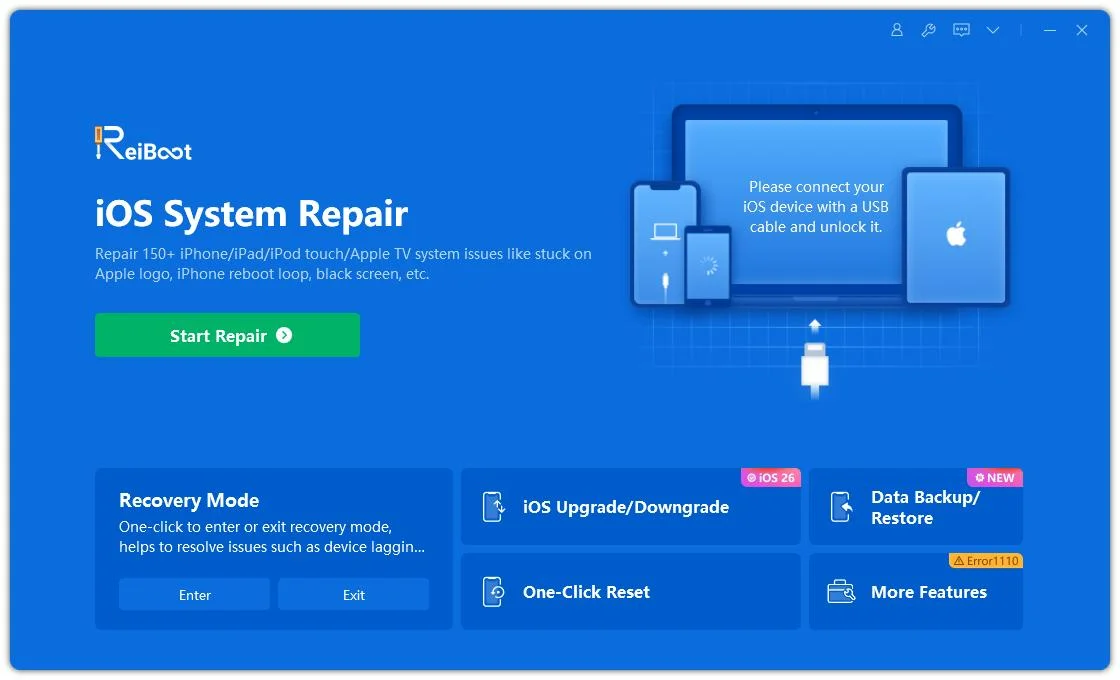
- Step 1: Launch ReiBoot on Your Computer
Download and install Tenorshare ReiBoot on your computer. Open the program and connect your iPhone if the iOS 27 wallpaper is not showing properly.
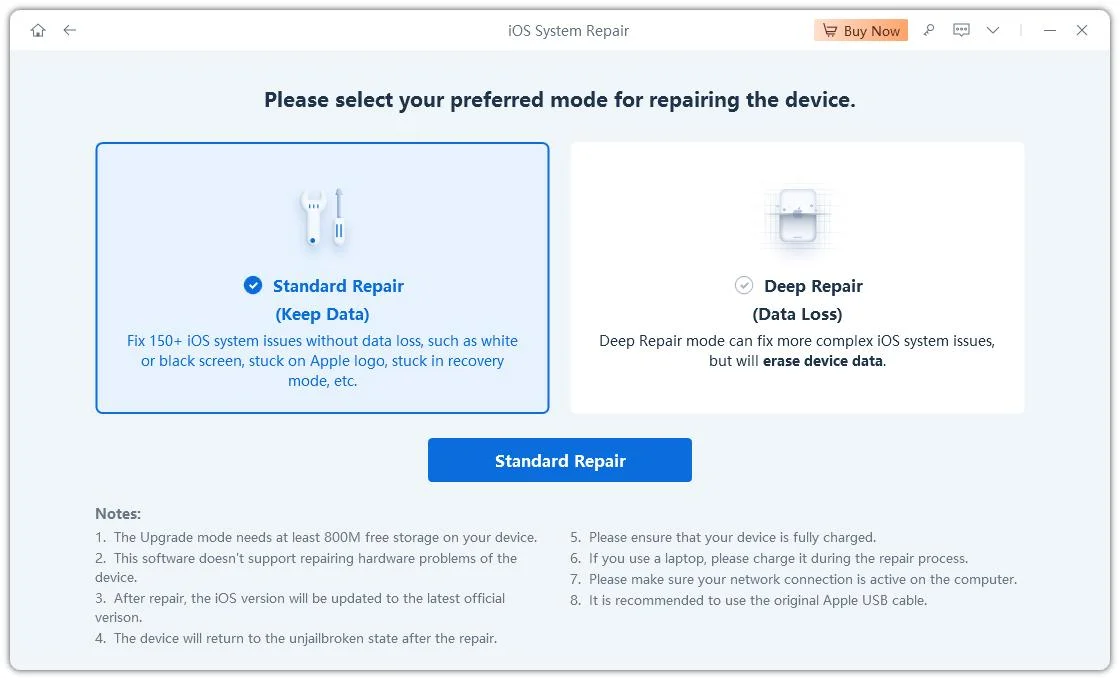
- Step 2: Click on "Standard Repair"
Click on "Standard Repair" when ReiBoot detects your device to fix iOS 27 wallpaper display issues without affecting your data.
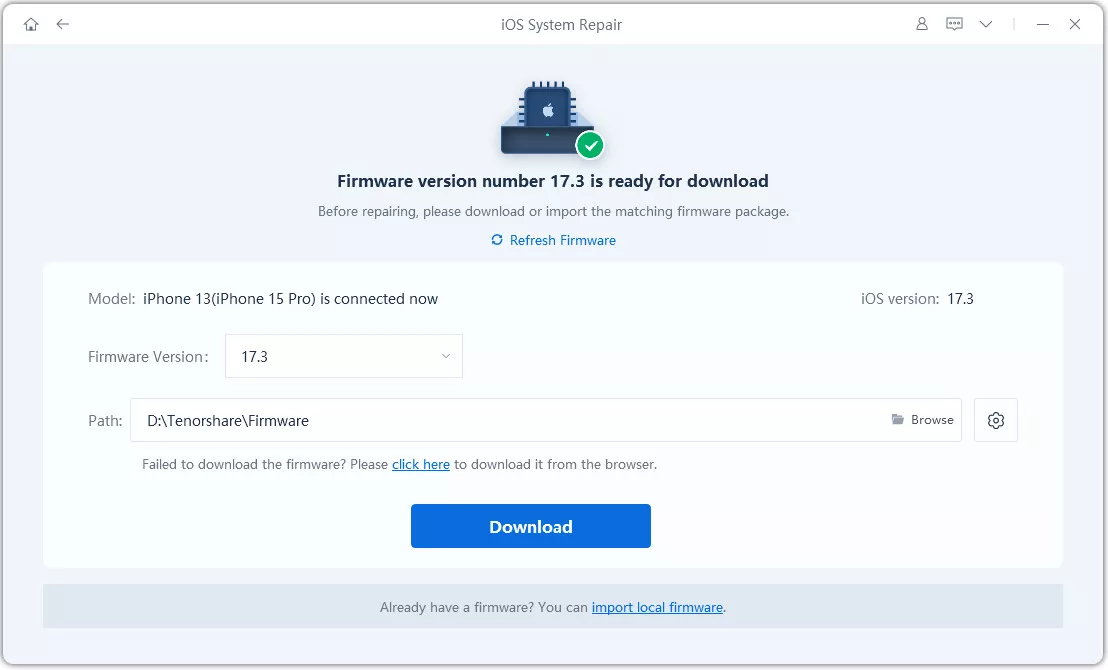
- Step 3: Download Firmware Package
Download the latest firmware package when prompted. ReiBoot will automatically prepare the correct firmware package for repair.
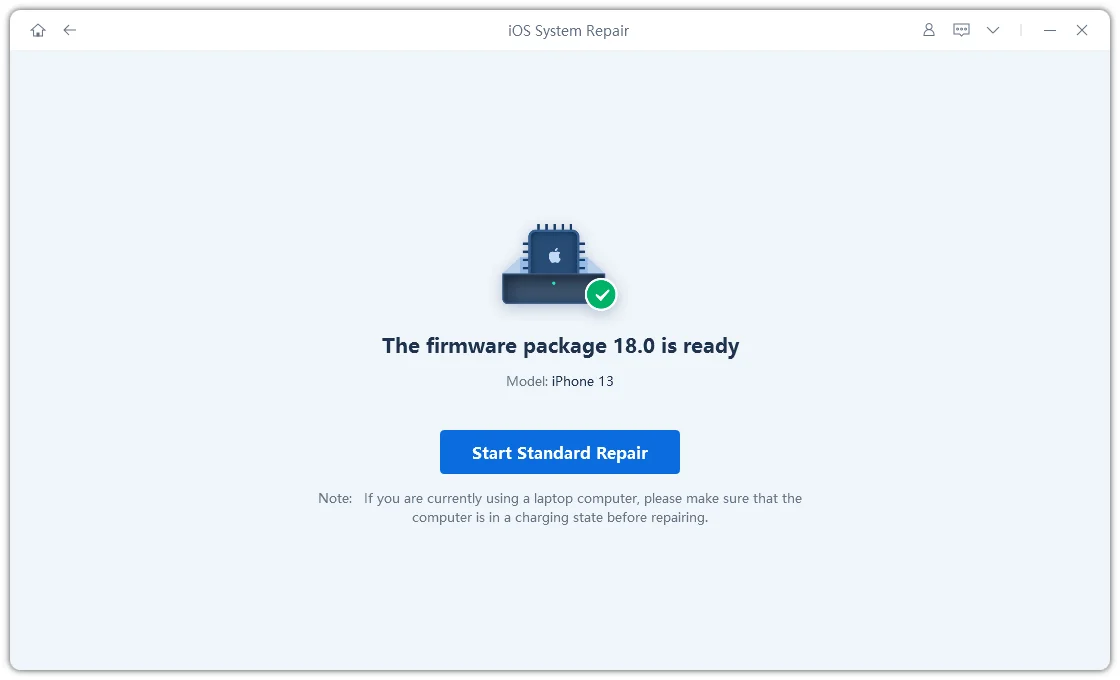
- Step 4: Start Standard Repair
Once the firmware is ready, click “Start Standard Repair” to repair system issues that may prevent the iOS 27 wallpaper from showing correctly.
- Step 5: Wallpaper Display Restored
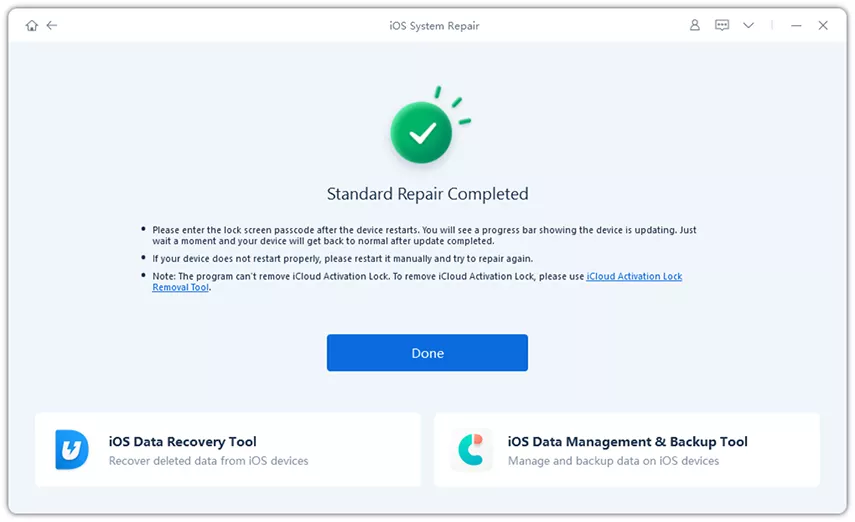
Your iPhone will restart automatically after repair. Check whether the iOS 27 wallpaper now appears and displays normally.
Conclusion
iOS 27 looks like a big visual upgrade, with Liquid Glass 2.0, AI-generated wallpapers, and improved depth effects all coming together. You can also download the latest iOS 27 wallpapers from the sites, and Reddit communities mentioned above. In case you run into display or system issues while applying wallpapers, Tenorshare ReiBoot can repair iOS problems without losing your data.
