
Updated on 2026-07-21 / iPhone Tips
Apple's biggest iOS update of 2026 is almost here. If you want early access, the iOS 27 download is your ticket to try new features before everyone else. Developers will get access first during WWDC on June 8, while regular users can join the free public in July.
In this guide, you'll find simple step-by-step instructions to install it on your iPhone. We'll also cover supported devices, key features, and what to do if something goes wrong during installation. Whether you're testing or just curious, everything is explained in an easy way.
- Part 1: Is iOS 27 Out Yet?
- Part 2: iOS 27 Supported Devices --- Is Your iPhone Compatible?
- Part 3: How to Download iOS 27 Developer
- Part 4: How to Download iOS 27 Public (Free --- No Developer Account Needed)
- Part 5: iOS 27 Stuck, Frozen, or Not Installing? Fix It With ReiBoot
- Part 6: FAQs About iOS 27 Download
Part 1: Is iOS 27 Out Yet?
1.1 iOS 27 Release Date --- Full Timeline
Apple follows the same schedule every year. The iOS 27 Developer releases June 8, 2026. The Public is expected in mid-July 2026. The stable release is likely September 14, 2026.
1.2 iOS 27 Developer Release Date
Apple will debut iOS 27 on June 8 at WWDC 2026. The first iOS 27 Developer is expected to ship the same day.
The Developer goes live between 3--4 PM ET on June 8. It is mainly for developers who want to test new features early.
1.3 iOS 27 Public Release Date
The Public follows about four to six weeks after the Developer , putting it in mid-July 2026.
It is free for everyone. It is more stable than the Developer. It offers a more stable version for general users who want to try new features without major risks.
1.4 iOS 27 Stable Release Date
The final stable version of iOS 27 is expected to launch later in the year after months of testing. This version removes bugs and improves performance based on feedback from users. Until then, users can explore features through the iOS 27 Developer or public.
Part 2: iOS 27 Supported Devices --- Is Your iPhone Compatible?
iOS 27 supports iPhone 12 and all newer models. The minimum requirement is an A14 Bionic chip.
Four iPhones are losing support: iPhone 11, iPhone 11 Pro, iPhone 11 Pro Max, and iPhone SE (2nd generation). If you have one of these, you will stay on iOS 26.
2.1 What's New in iOS 27? Top Features Before You Download
-
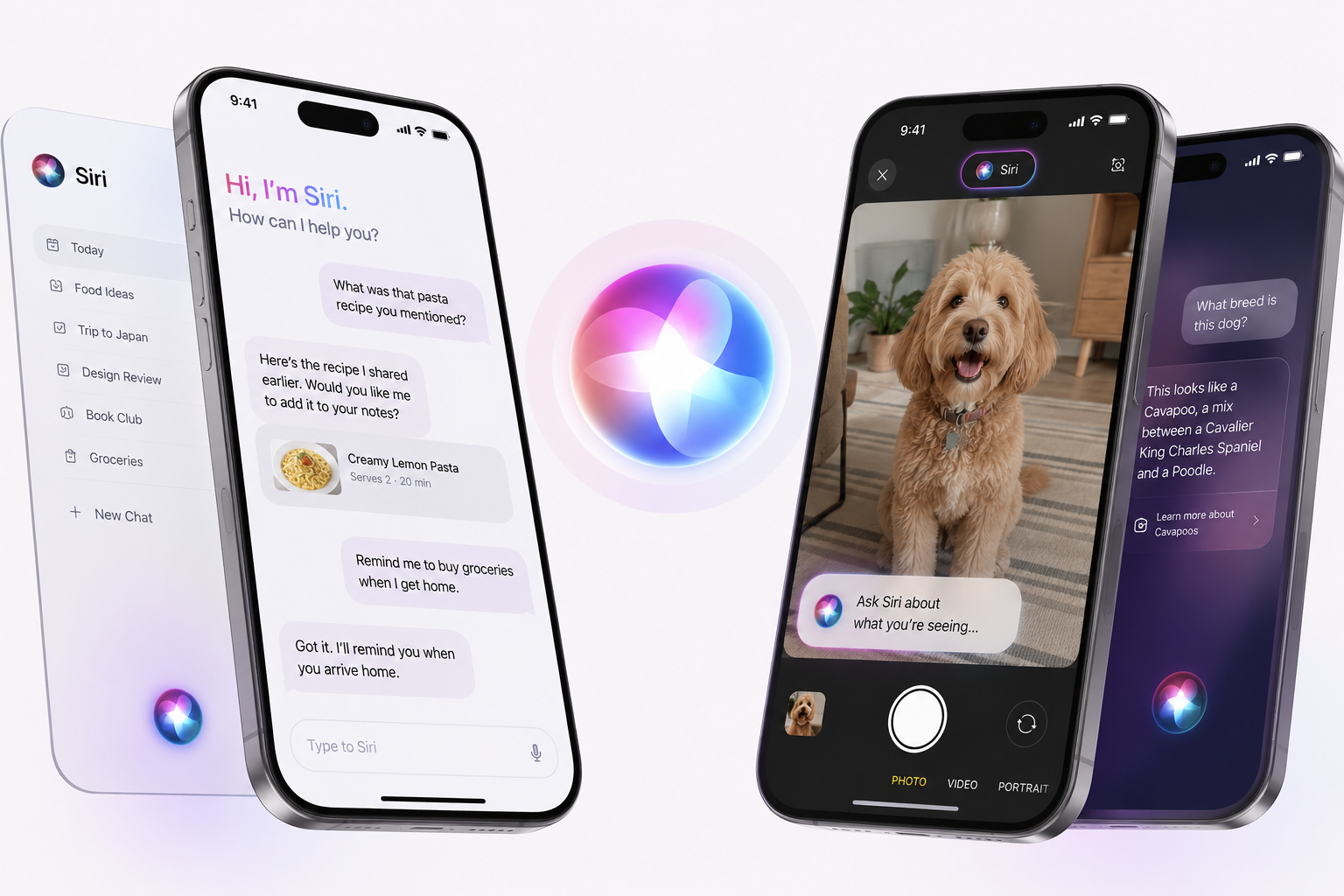
A Brand New Siri
Siri in iOS 27 will be nothing like Siri in iOS 26. Apple is building a standalone Siri app where users can revisit and continue past conversations. It works more like a chatbot now you can type or talk, and it actually remembers what you said.
-
Siri in the Camera
Apple is adding a new Siri mode directly inside the Camera app, right alongside the standard photo and video options. You can point your camera at something and ask Siri about it instantly.
-
Smarter AI Features
Apple plans to let users choose third-party AI services like ChatGPT or Gemini as the default for Apple Intelligence features. You are no longer locked into one AI option.
-
Better Photos Editing
New editing tools under Apple Intelligence include options to Extend, Enhance, and Reframe images, joining the existing Clean Up feature.
-
Speed and Stability
iOS 27 also includes under-the-hood improvements that could make iOS run faster and use less battery life.
Part 3: How to Download iOS 27 Developer
The iOS 27 Developer lets you access Apple's latest features before public release. It is the quickest way to get the iOS 27 download and test upcoming changes on your iPhone.
Steps to Install iOS 27 Developer:
-
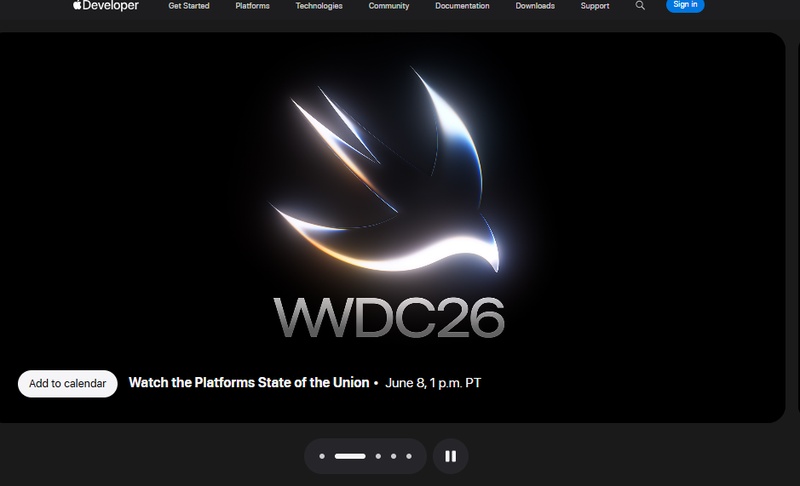
Step 1: Open Safari on your iPhone and go to developer.apple.com. Sign in with the same Apple ID you use on your iPhone. Accept the Apple Developer Agreement.
-
Step 2: Open the Settings app. Go to General, then Software Update. Under Updates, choose the iOS 27 Developer option.
-
Step 3: The iOS 27 will appear as a 5--7 GB download. Tap Download and Install, enter your passcode, agree to the terms, and wait. Installation takes 15--25 minutes. Keep your iPhone plugged in.
Part 4: How to Download iOS 27 Public (Free --- No Developer Account Needed)
Alls are free with just an Apple ID. No developer account required. The Public arrives in mid-July 2026 and is much more stable than the Developer.
Steps to download ios 27 public:
-
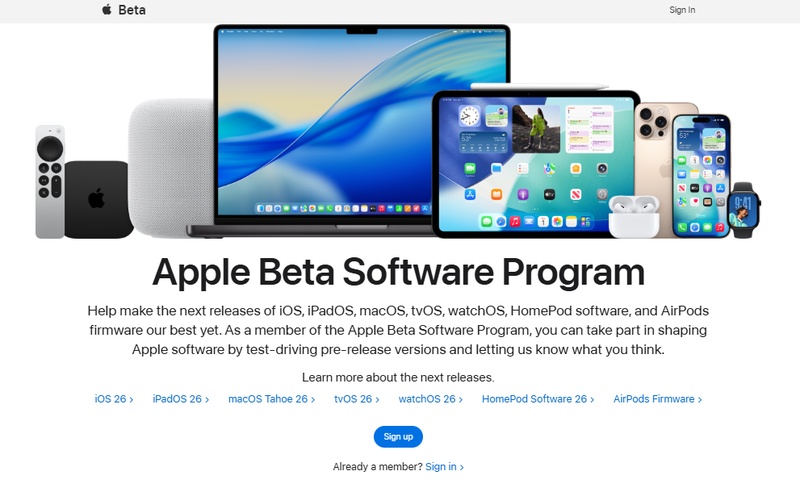
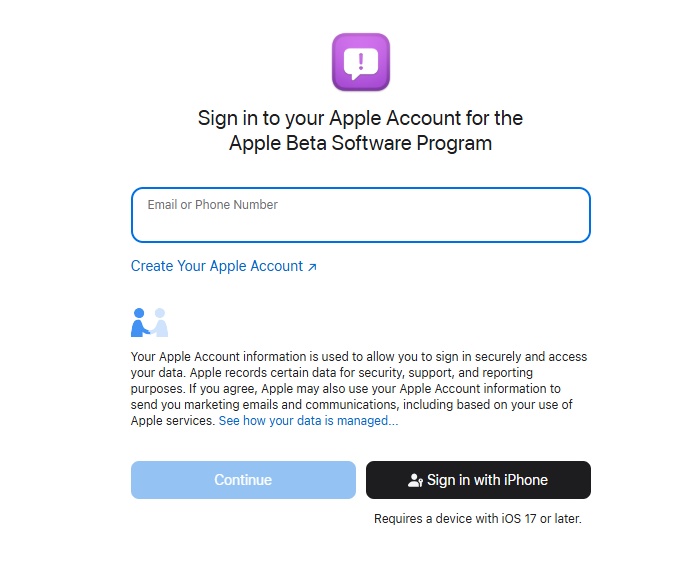
Step 1: Visit the Apple Software Program webpage and click Sign Up.
-
Step 2: Sign in with your Apple ID and agree to the terms and conditions. Follow the prompts to enroll your device.
-
Step 3: On your iPhone, go to Settings > General > Software Update > Updates and select the Public.
-
Step 4: Go back to Software Update. Tap Download and Install when the appears, enter your passcode, and wait for the update to finish.profile
Part 5: iOS 27 Stuck, Frozen, or Not Installing? Fix It With ReiBoot
The iOS 27 download doesn't always go smoothly. Some users face issues like the iPhone getting stuck on the Apple logo, freezing during installation, or update failure. You do not need to visit an Apple Store. Tenorshare ReiBoot can fix most of these issues in minutes right from your computer.
It uses advanced AI technology to diagnose and fix update issues, stuck screens, and network problems. Reiboot can also help you upgrade to iOS 27 or downgrade back to iOS 26 if the turns out to be too buggy for daily use.
Watch the video guide to see how to update to iOS 27.
FAQs About iOS 27 Download
1. Is iOS 27 download free?
Yes, the iOS 27 download is free through the Apple Software Program. You don't need to pay any fee to install it.
2. Is iOS 27 safe to install?
It is generally safe, but since it is a version, you may face bugs, crashes, or battery issues during use.
3. Can I install iOS 27 Developer without a developer account?
No, the iOS 27 Developer normally requires an Apple Developer account. However, the public is available for everyone.
4. Will I lose data after installing iOS 27?
Not usually, but it is bly recommended to back up your iPhone before starting the installation.
Final Words:
The iOS 27 download gives you an early look at Apple's latest features before the official release. It's exciting to try, but versions can sometimes bring bugs or system issues. That's why having a reliable tool like ReiBoot is a smart choice. It helps fix stuck updates, boot loops, and even allows easy upgrade or downgrade without data loss. If anything goes wrong, ReiBoot keeps your iPhone safe and working smoothly.
