
Updated on 2026-03-05 / iPhone Tips
Got a new iPhone 17e and bored of the default wallpaper already? The right background can make your phone look cleaner, more personal, and easier to use every day. This guide walks you through the best trusted sites to download free 4K iPhone 17e wallpapers and then shows you how to set them correctly on your Lock Screen and Home Screen without losing quality or cropping important details.
Part 1. New 4K iPhone 17 e Wallpapers
Apple introduced the official iPhone 17e wallpapers with the device launch on March 2, 2026. Each color finish includes a matching translucent design featuring layered circular shapes and a soft central glow, creating a clean and modern look. Apple released three versions to match the iPhone 17e color options: Soft Pink, White, and Black.
All wallpapers are available in the original 1170 × 2532 resolution, optimized for the 6.1-inch display to ensure sharp and vibrant quality. You can download the official iPhone 17e wallpapers in 4K quality below.
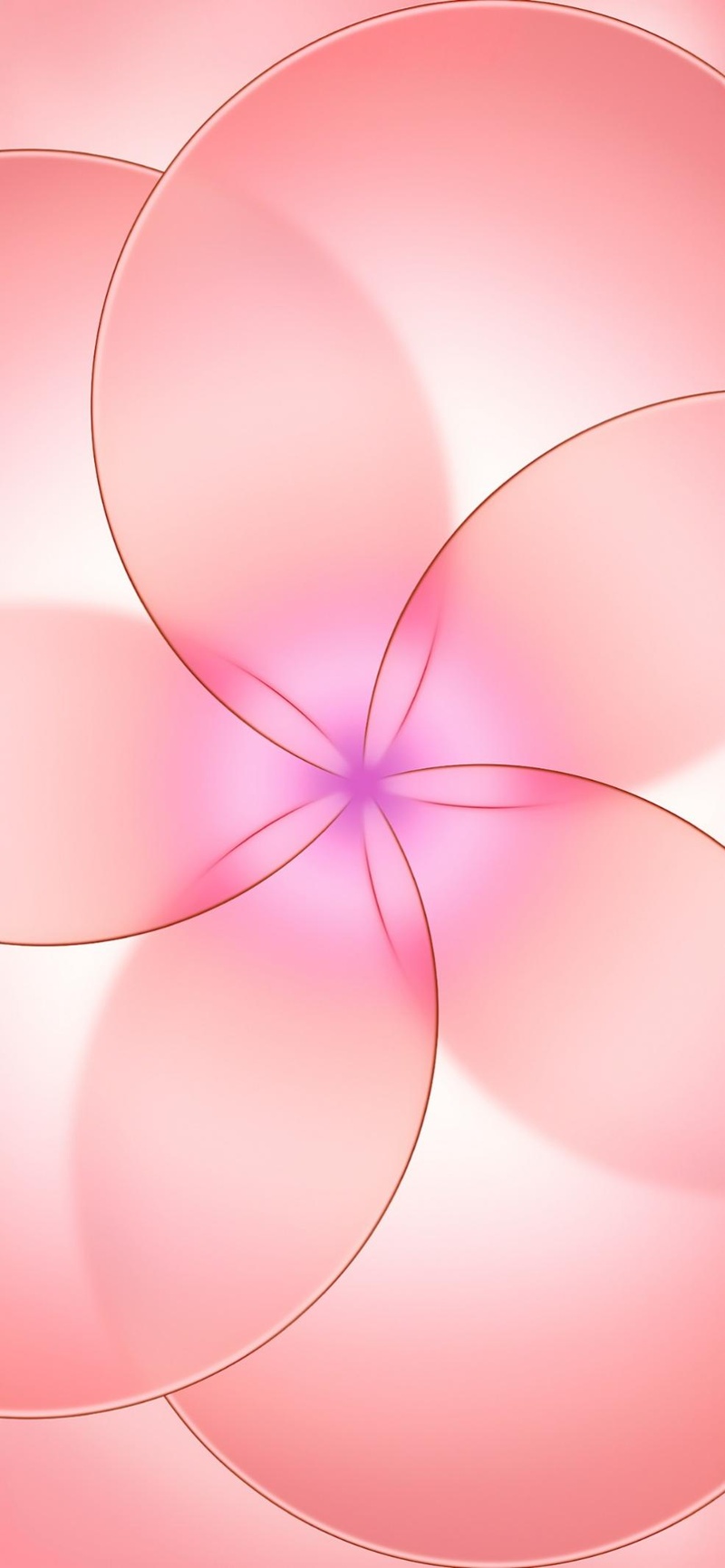
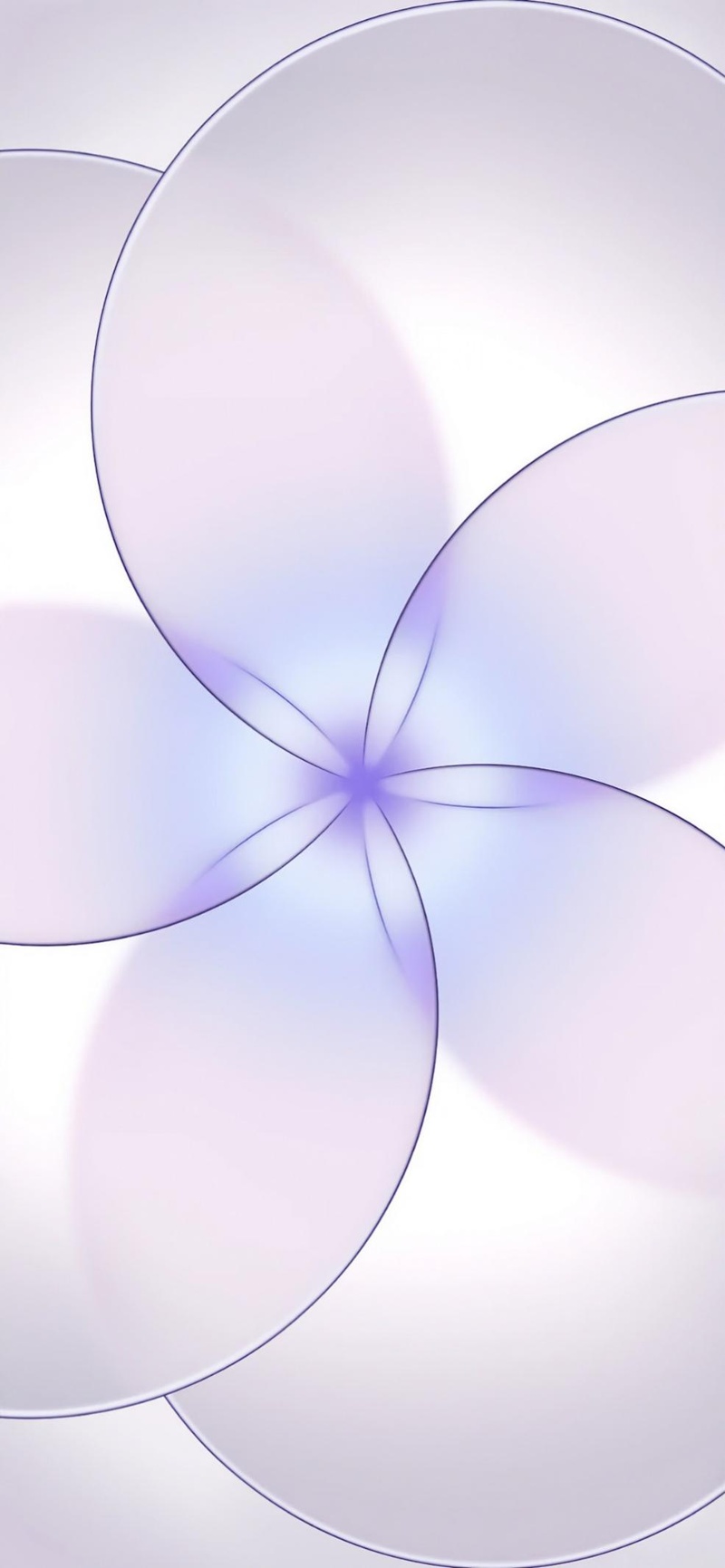
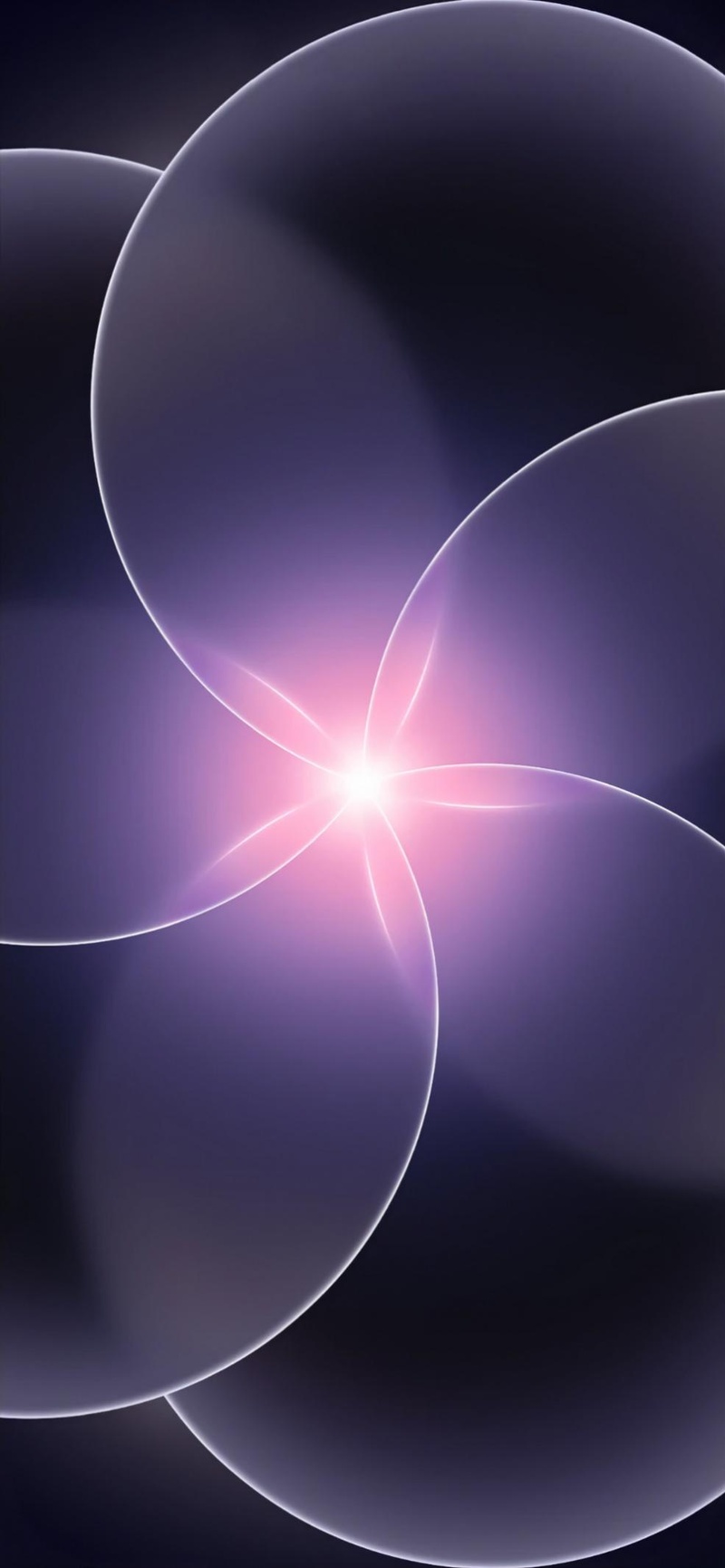
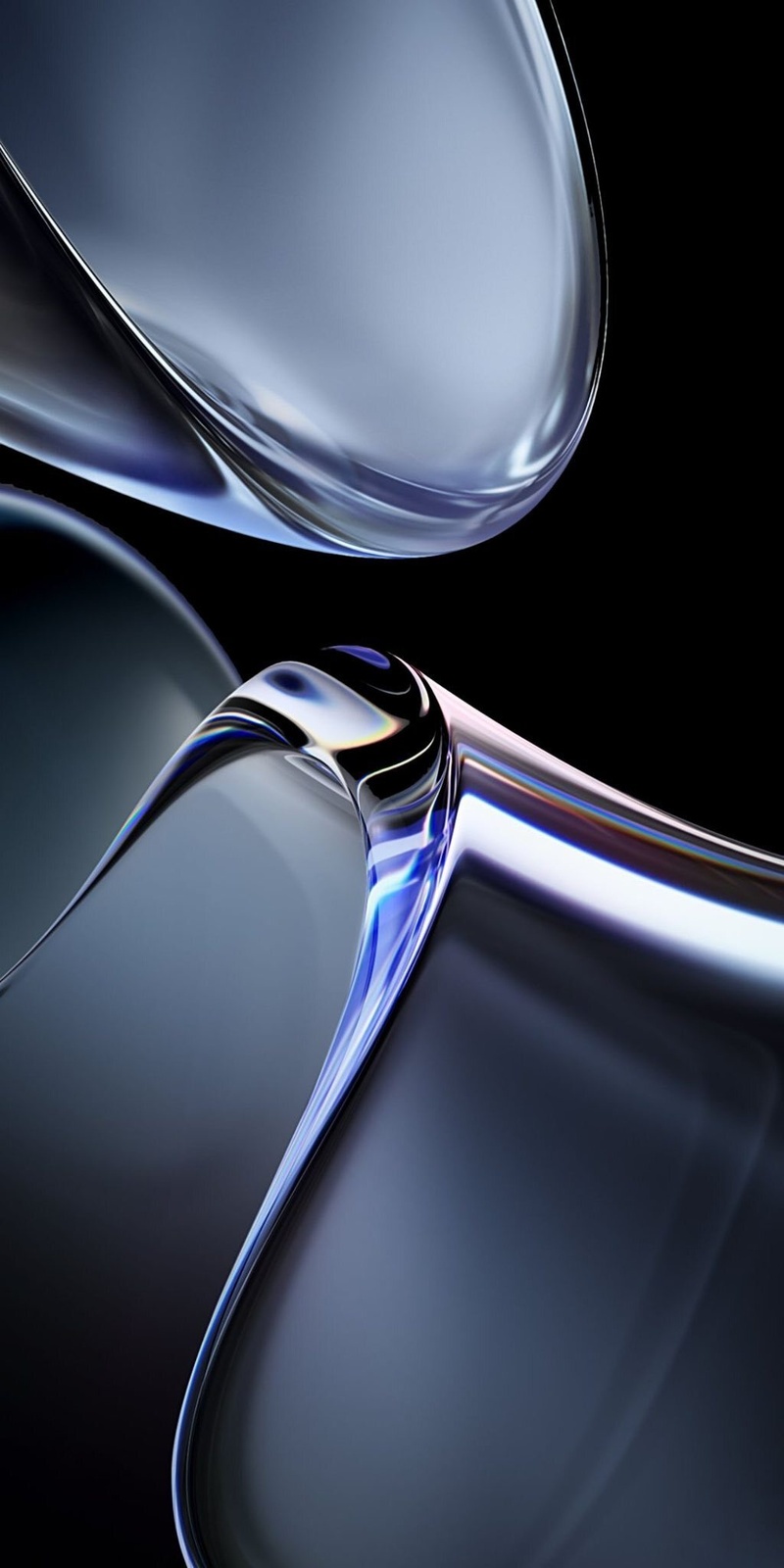
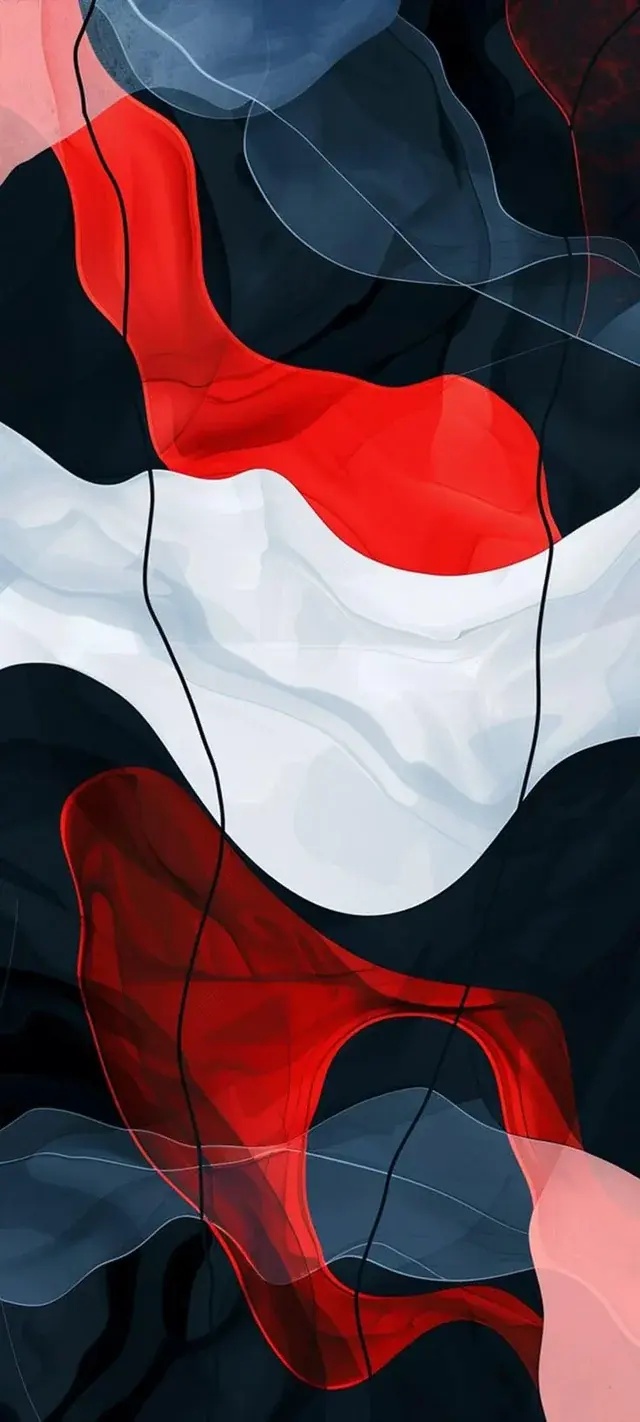
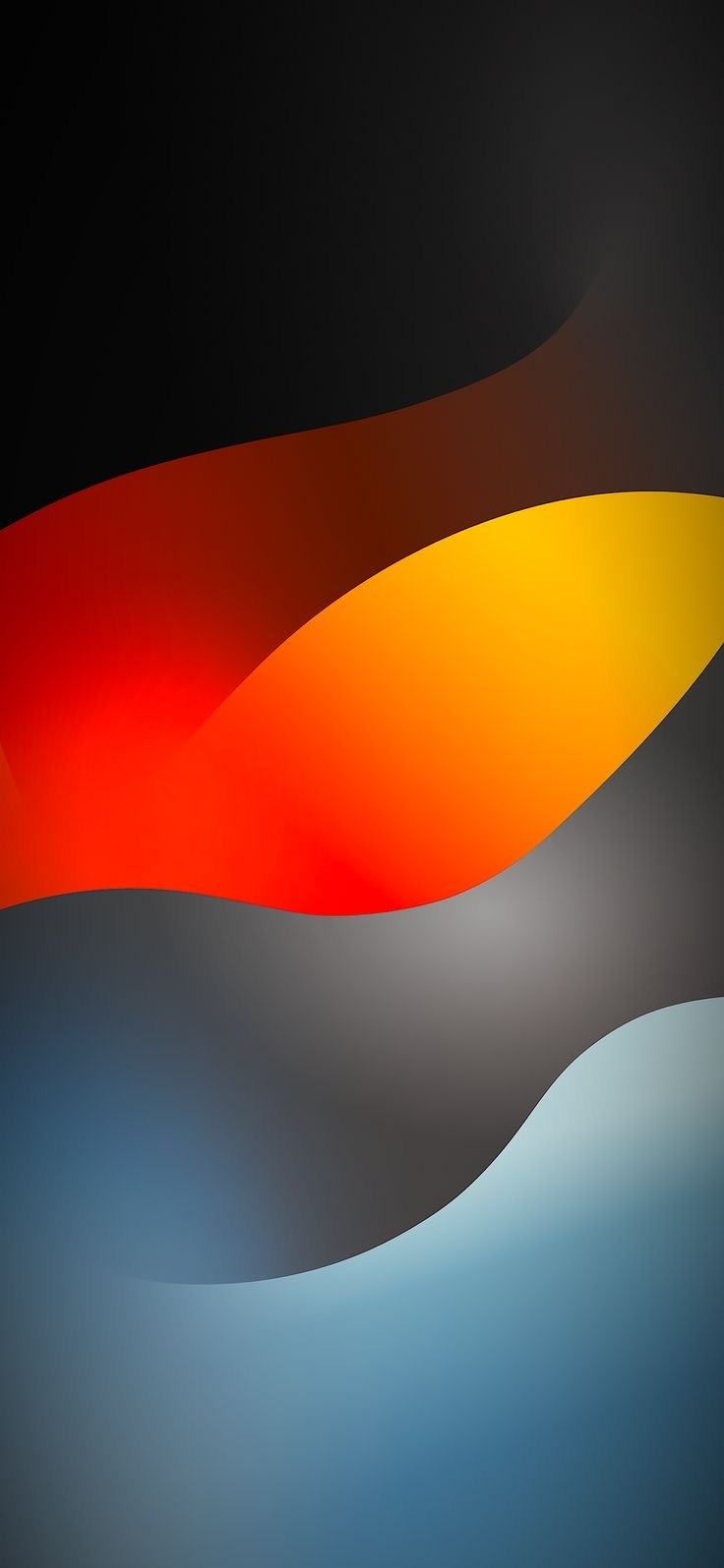
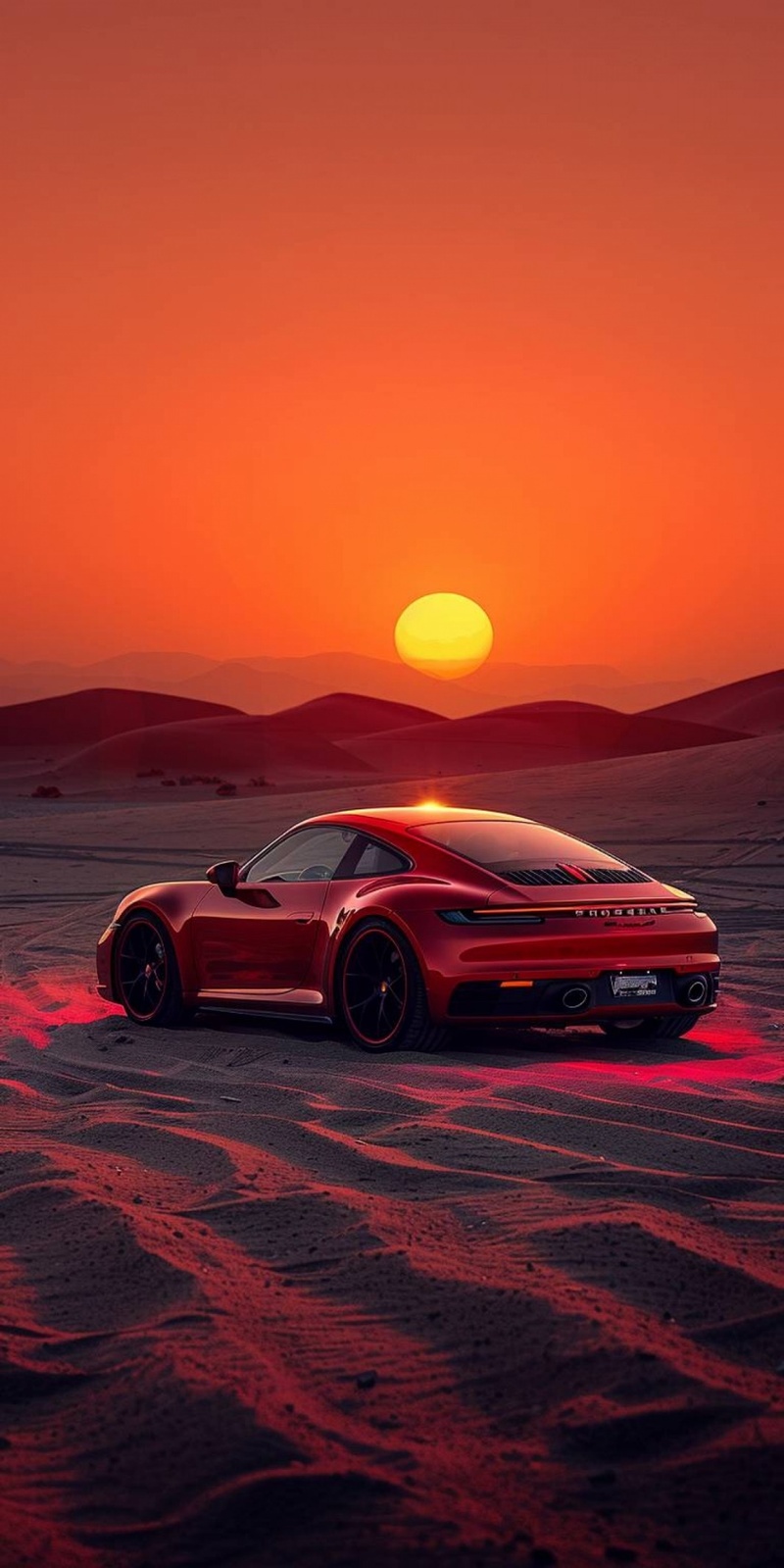
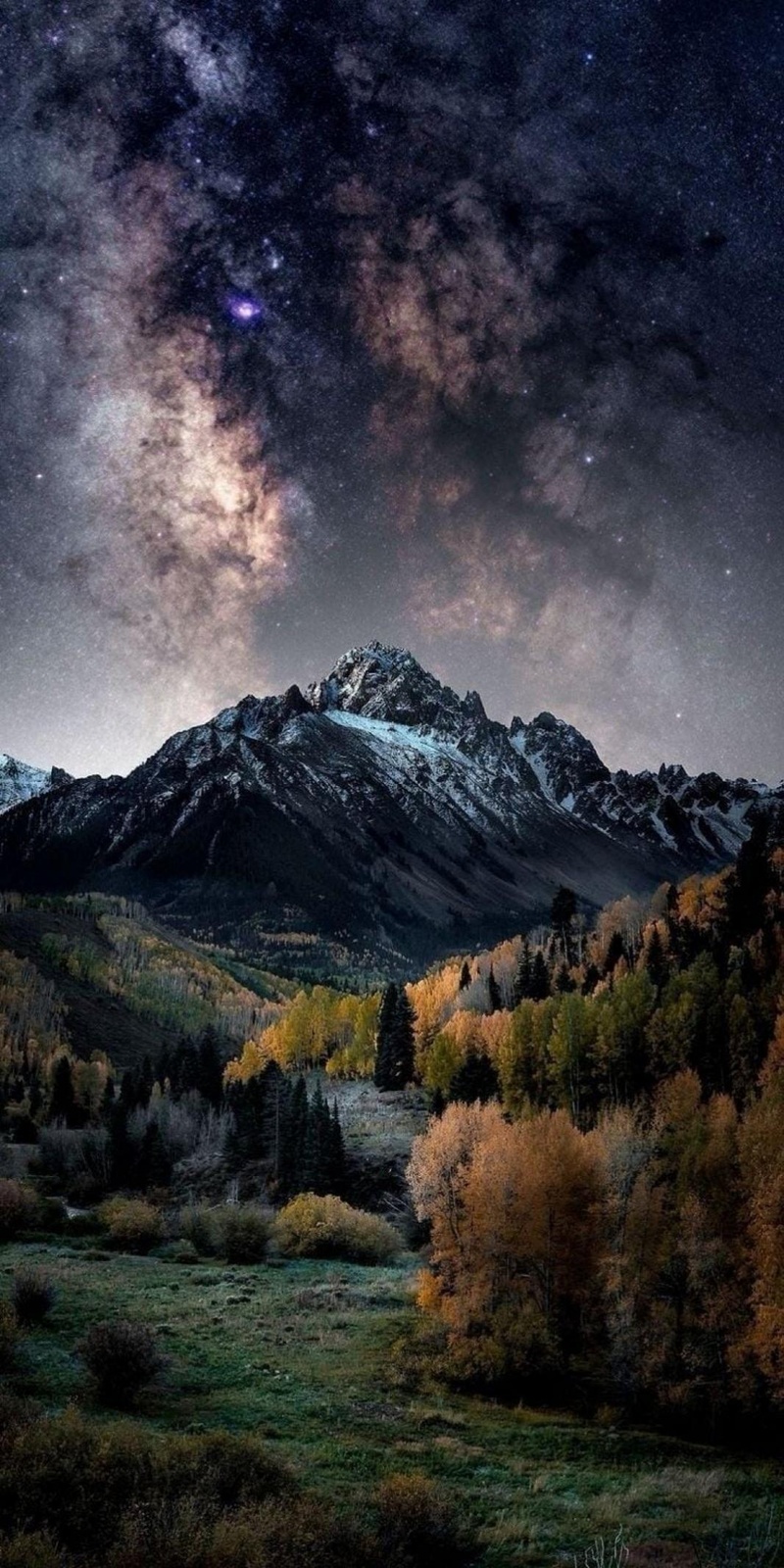
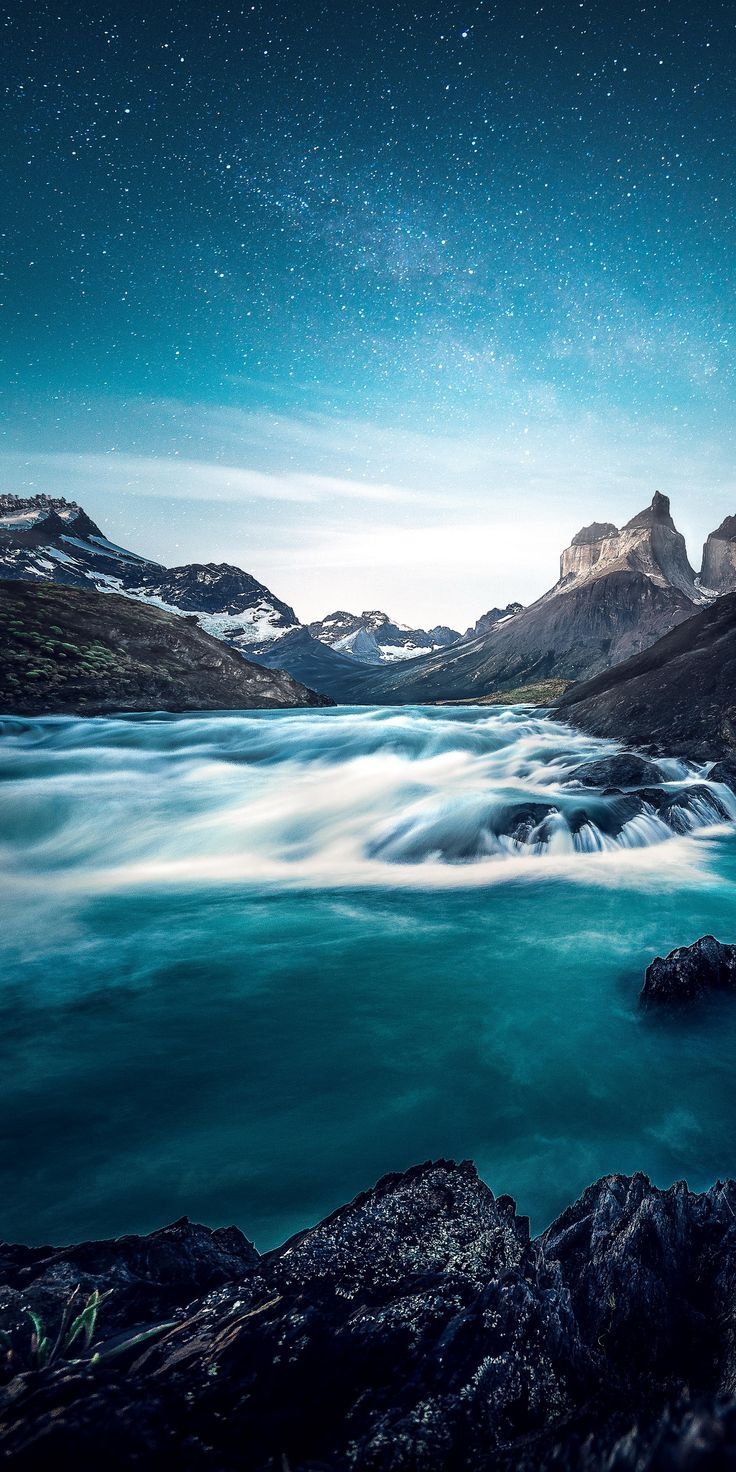
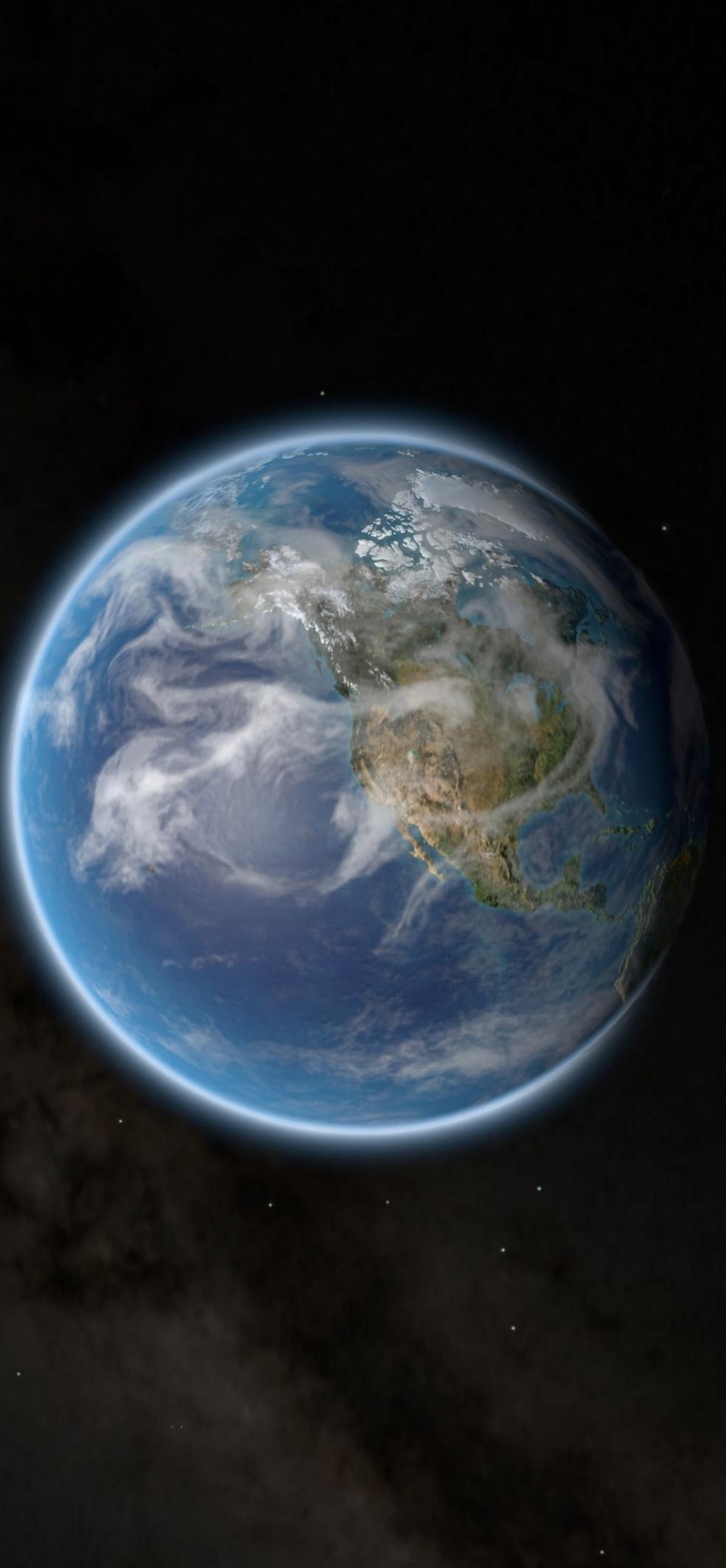
In addition to the official iPhone 17e wallpapers, many users prefer exploring different styles to personalize their device. Below, you’ll find a curated collection of high-resolution iPhone 17e wallpapers, including minimal designs, texture-inspired backgrounds, material-style graphics, and stunning landscape photography. All wallpapers are available in HD or 4K quality, making them perfect for both Lock Screen and Home Screen setups.
Part 2. Best iPhone 17 e 4K Wallpaper Sites [Free HD Download]
If you just got a new iPhone 17e, the fastest way to make it feel truly yours is with the right wallpaper. Instead of scrolling random images on social media, it is much easier to start with a few trusted sites that offer real 4K, iPhoneready backgrounds for free. Below are five of the best places to download iPhone 17e wallpapers in HD and 4K, so you can quickly compare options and find a style that matches your home screen, lock screen, and personal vibe.
Vulplex
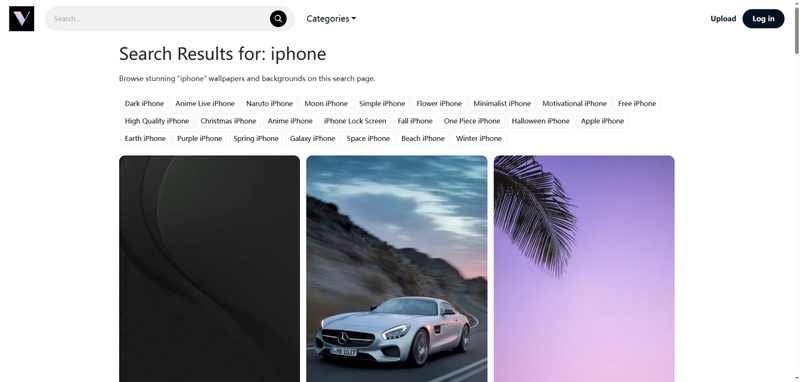
Vulplex is a small but carefully curated site focused on iPhoneready wallpapers. The library is not huge, but almost every iPhone 17e 4K HD wallpaper feels customdesigned, with clean, modern aesthetics and no paywall or watermark. It is a good choice if you prefer a few highquality options over scrolling endless pages.
Unsplash
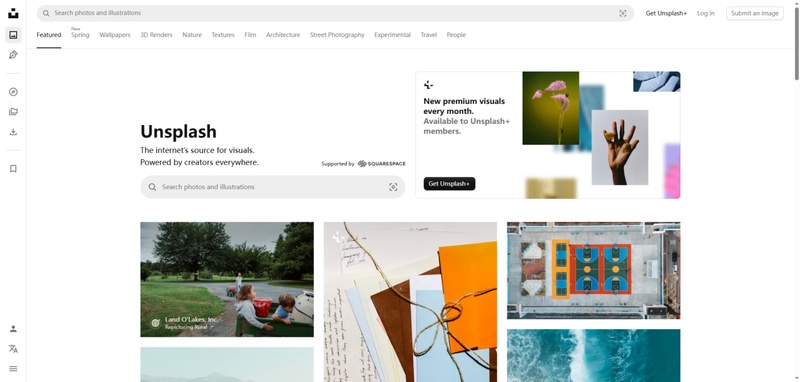
Unsplash offers one of the largest free iPhone 17e wallpaper pools online, with millions of highresolution photos shot by real photographers. You can search by keywords like “dark iPhone wallpaper,” “minimal,” or “nature,” then crop them to 4K for your 17e. It is ideal if you want a premium, photographystyle look rather than graphic or abstract designs.
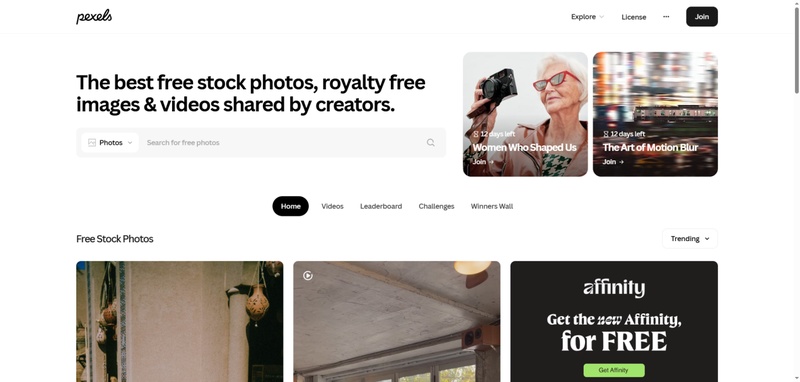
Pexels
Pexels is another excellent source of free 4K wallpaper downloads for iPhone 17e, with both photos and illustrations. Its filters for color, orientation, and style make it easy to find exactly what fits your home screen layout, from pastel aesthetics to bold cityscapes. All images are free to use, so you do not need to worry about copyright for personal customization.
Apple Scoop
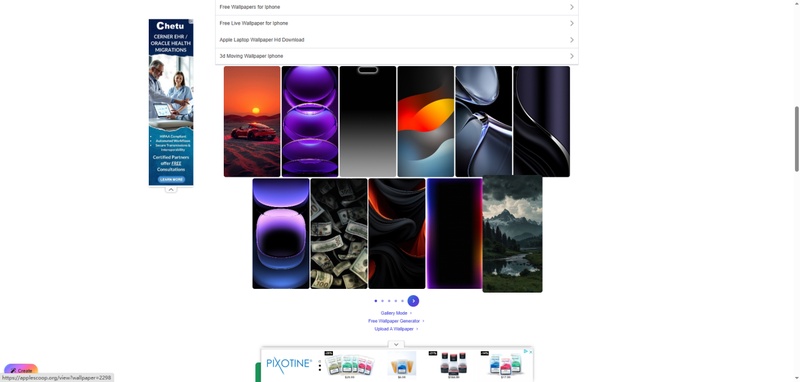
Apple Scoop focuses specifically on Apple devices and offers a very large collection of iPhoneoptimized wallpapers, including many sized perfectly for the iPhone 17 series. You can browse categories like gradients, AMOLED dark, abstract shapes, and space themes, all tailored for different iPhone screen ratios. This is a strong pick if you want something that feels “native” to iOS rather than a generic phone wallpaper.
iDownloadBlog
iDownloadBlog runs a longstanding “Wallpapers of the Week” series that often includes 4K packs designed for the newest iPhones, including the 17e. They feature a mix of Applestyle designs, community creations, and themed collections like minimal, nature, or scifi. Because each set is handpicked and tested on real devices, it is great for users who want highquality, readytoapply wallpapers without manual resizing.
Part 3. How to Set a Wallpaper on iPhone 17 e
-
Download the wallpaper you like from the collection and save it to your Photos app.
-
Open the Photos app and select the image you want to use.
-
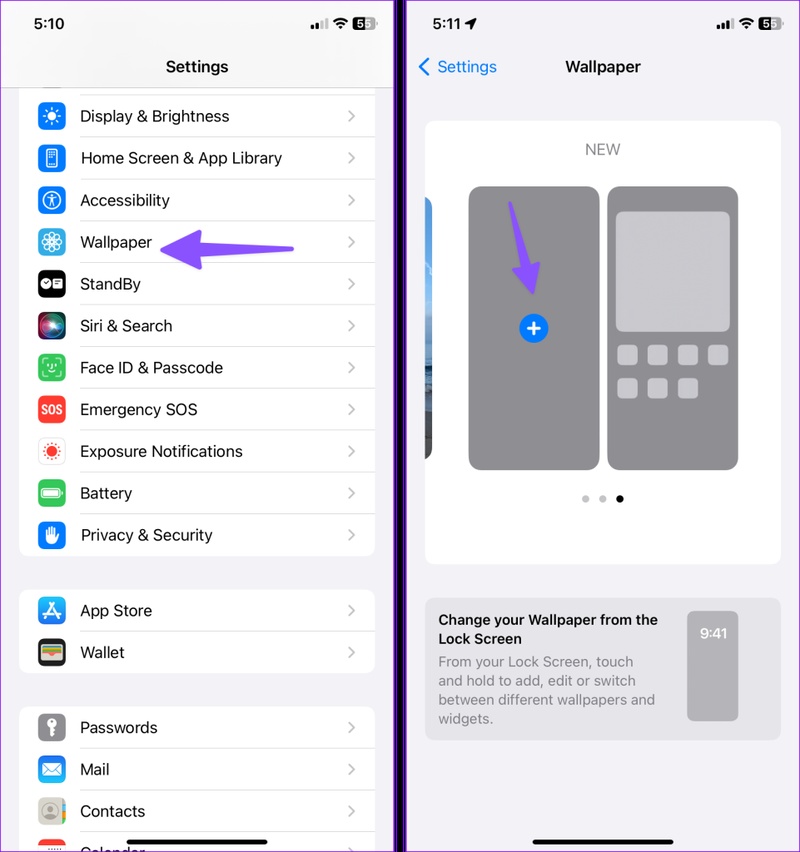
Tap the Share button (the square with an arrow), then choose “Use as Wallpaper” or “Set as Wallpaper” from the options.
-
Adjust the image by zooming or repositioning it, then tap Set and choose whether to apply it to the Lock Screen, Home Screen, or both.
Conclusion
With a few high quality wallpaper sources and the right setup steps, your iPhone 17e can look like a custom build, not just another default home screen. Save a small collection of your favorite 4K wallpapers, test how they look with your icons and widgets, and switch them up when your mood or style changes. If you ever run into system issues while customizing your device, tools like ReiBoot can help fix common iOS problems quickly without complicated steps.
